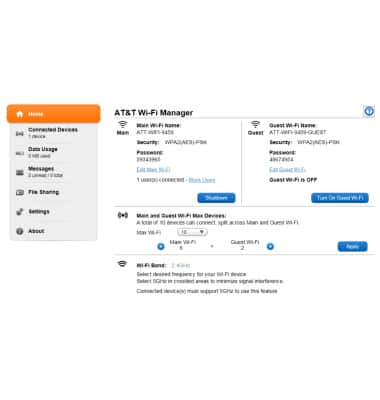
Learn how to access Web manager.
-
From a device connected to the hotspot, open a web browser and navigate to http://attwifimanager or http://192.168.1.1.
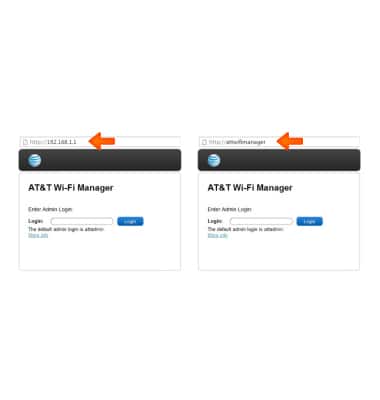
-
Enter the login, then tap or click Login.
Note: The default login is attadmin.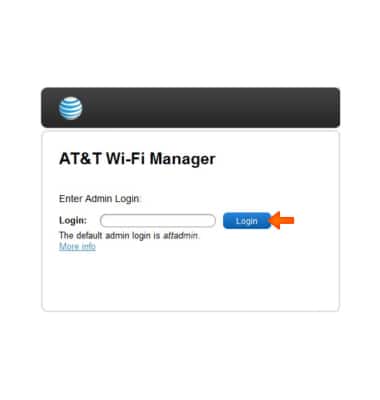
-
The AT&T Wi-Fi Manager is now ready for use.