In this tutorial, you will learn how to:
• View device messages • View device information • View network information • Access advanced settings
View device messages
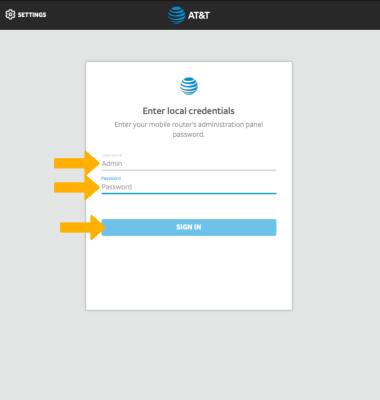
1. From your device's web browser, go to http://attwifimanager or type 192.168.1.1 into the search bar. Enter your Username and Password, then select SIGN IN.
Note: Ensure that your device is connected to the Netgear Nighthawk's Wi-Fi network. For more information, please see the Connect Devices to Wi-Fi or Connect PC or Mac to Wi-Fi tutorials.
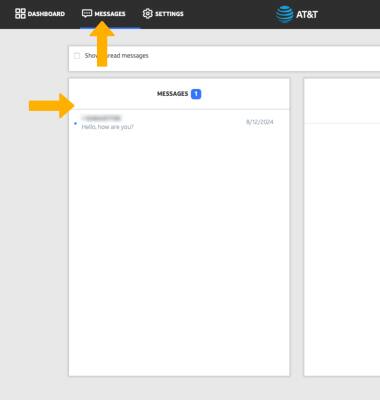
2. Select MESSAGES. Messages will be displayed.
View device information
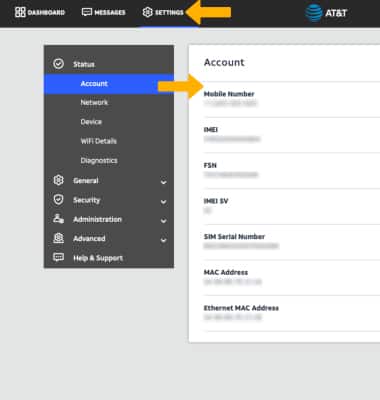
Select SETTINGS at the top of the screen. Device information will be displayed.
View network information
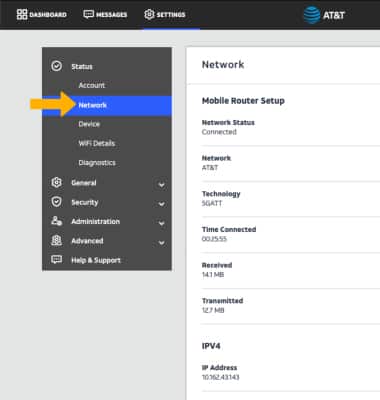
From the Settings screen, select NETWORK to view network information.
Access advanced settings
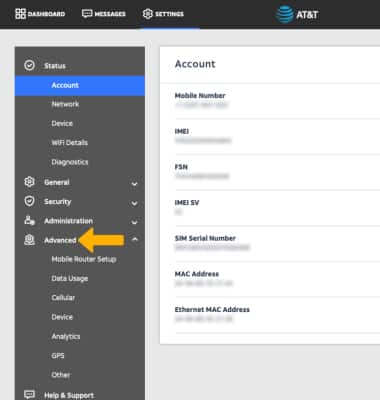
From the Settings screen, select Advanced to view advanced settings. Edit changes as desired.