This article describes what to do in the event you forget your AT&T Wi-Fi Manager Log On.
The default admin password for the online WebUI is 'admin'.
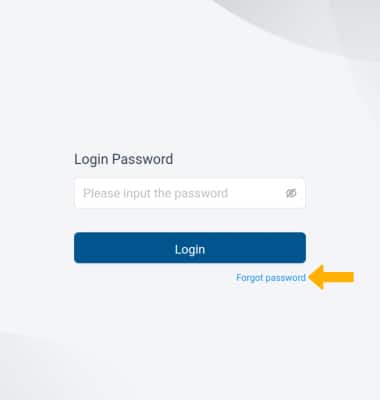
1. If you do not remember your AT&T Wi-Fi Manager login, you must do an alternate factory reset of the device. From your connected device's web browser, go to http://hotspot.webui. Select Forget password.
Note: Ensure that your device is connected to your Turbo Hotspot 3's Wi-Fi network. For more information, please see the Connect Devices to Wi-Fi or Connect PC or Mac to Wi-Fi tutorials.
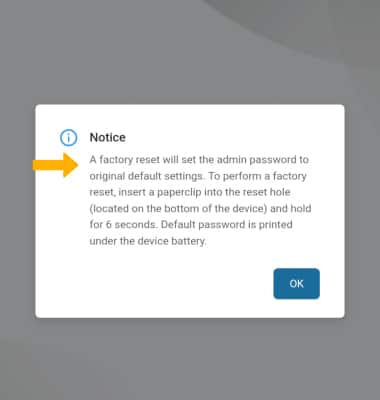
2. Factory reset instructions will be displayed.
Note: For more information on performing a factory reset, please see the Reset device tutorial.