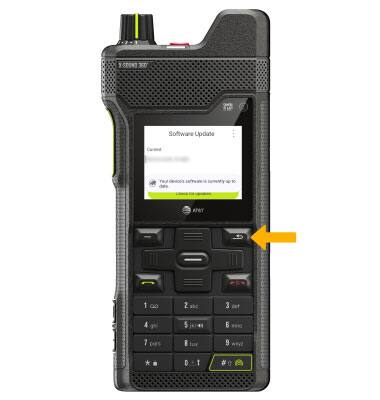
Keep your device up to date by checking for new software regularly. A new Operating System (also known as an OS) version may have security patches and performance improvements for your device. Ensure your device has a strong Wi-Fi or cellular connection in order to check for and download updates.
In this tutorial, you will learn how to:
• View software version
• Check for updates
View software version
1. From the home screen, press the right navigation key to highlight the  Settings app, then press the Select button to select.
2. Press the navigation keys to scroll to and highlight System, then press the Select button. Press the navigation keys to scroll to and highlight About phone, then press the Select button.
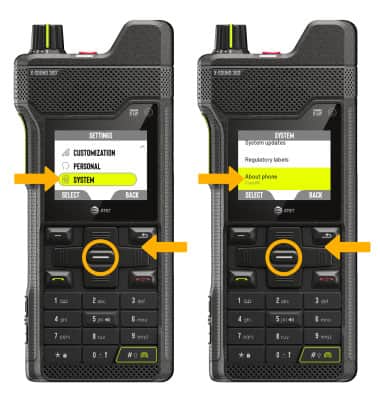
3. Press the navigation keys to scroll to view the System version. When System version is highlighted, press the Select button. Baseband version will be displayed.

Check for updates
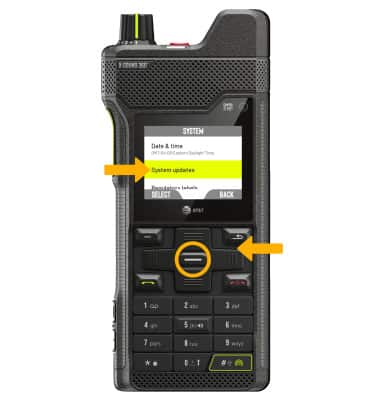
1. From the System screen, press the navigation keys to highlight System updates, then press the Select button.
2. Ensure that Check for updates is highlighted, then press the Select button.
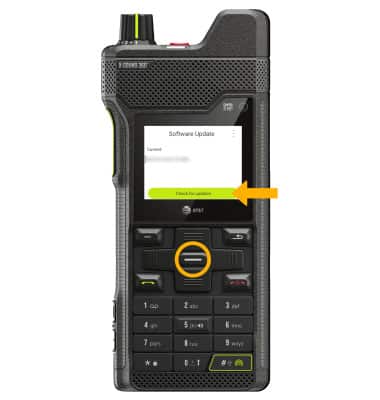
2. If an update is available, follow the on-screen instructions to perform the update. If an update is not available, press the Right Dynamic key to go back.