Learn how to access your photos and videos.
To access the Camera app, from the Clock screen, swipe right. Alternately, swipe left on the Clock screen then select the  Camera app.
In this tutorial, you will learn how to:
• Access photos and videos
Access photos and videos
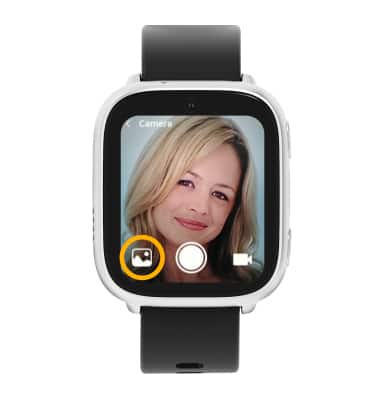
From the Camera app, select the Gallery icon.
Note: Alternately, from the home screen, swipe left twice then select the  Gallery app.