Learn how to charge your battery.
Use the original charger and battery to maintain optimal battery performance over the life of your device.
Note: The device takes up to 60 minutes to charge from 0-50% and up to 180 minutes to charge from 0-100% through a power outlet.
Charge device the device
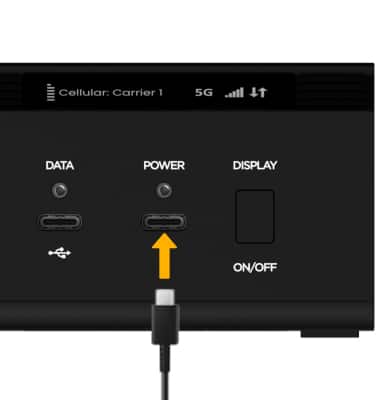
1. Insert the USB-C end of the cable into the Power port on the right side of the device.
Note: Your device charges quicker using a power outlet then when connected to another power source.
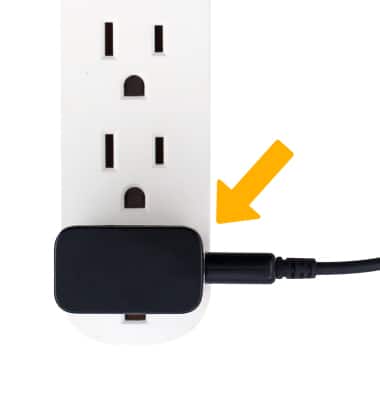
2. Plug the A/C adapter end into the wall outlet.
When the device is charging, the  Charging icon will be displayed.