Explore an interactive view of the Home screen and buttons on your device. Learn about various icons, buttons, and features on the front of your device to find where they're located and what they do.
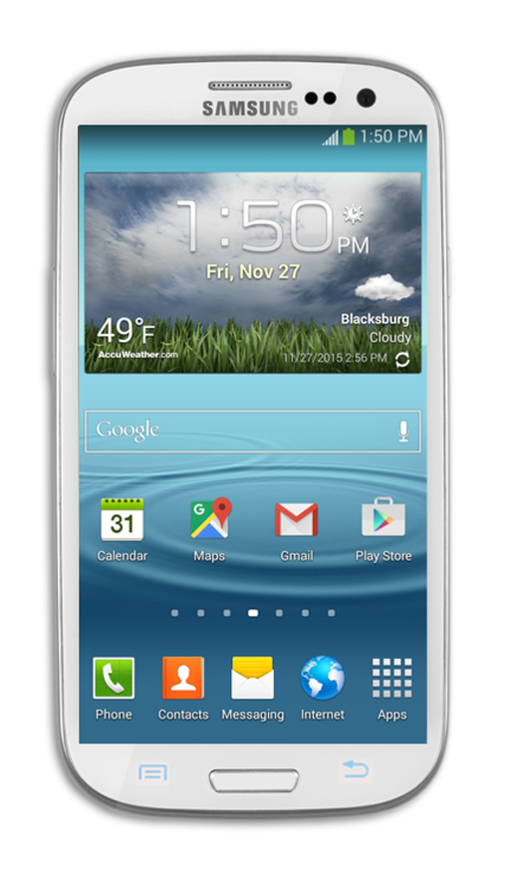
Audio/Headphone Jack
Back Button
Earpiece Speaker
Home Button
Microphone
Menu Button
Power/Lock Button
Touchscreen
USB/Charging Port
Volume Buttons
Used to plug in your headset or headphones.
Used to go back one screen.
Listen to audio or phone calls from here.
Navigates you back to the main Home screen.
Built-in microphone used for phone calls and voice commands.
Opens the menu for the current screen.
Press to lock or unlock the touchscreen. Hold down to turn the device on or off.
Used to navigate your device.
Used to charge your battery and connect your phone to other devices.