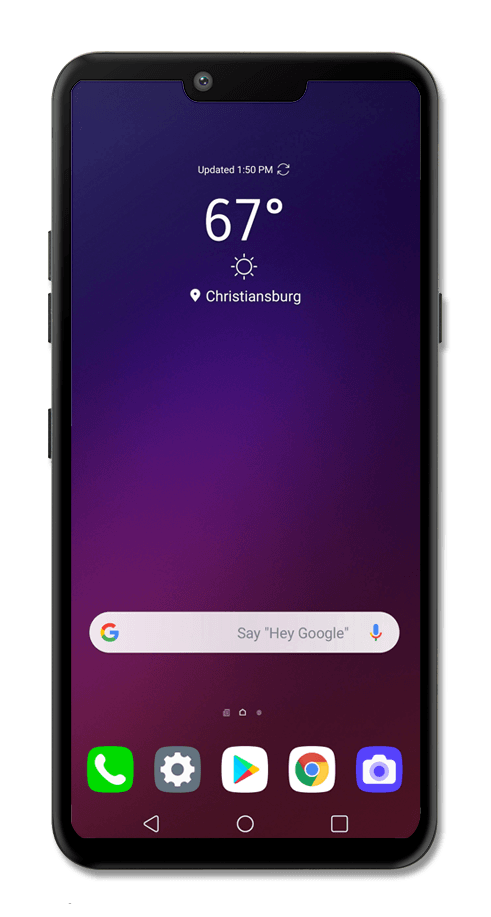
Takes you to the last Home screen you were on. If you're on a Home screen, it will take you to the main Home screen. Touch and hold for Google Assistant.
Built-in microphone used for phone calls and voice commands.
Insert or remove your nano SIM / microSD card here.
Press to lock or unlock the touchscreen. Hold down to turn the device on or off.
Shows the apps you've recently opened, letting you switch between and close apps that are running. Touch and hold to enter split screen mode.
Connects your phone to the battery charger or to another device for transferring data.
Adjusts the volume on your device.
Used to play sounds on your device.
Opens the keypad and phone functions.
Opens the Settings app.
Opens Google Play™ Store, where you can browse and download apps, games and more for your Android™ phone.