This article describes how to reset the device to its factory settings.
INSTRUCTIONS & INFO
- A master reset reverts the device back to factory settings. It will permanently erase all personal data, preferences, settings.
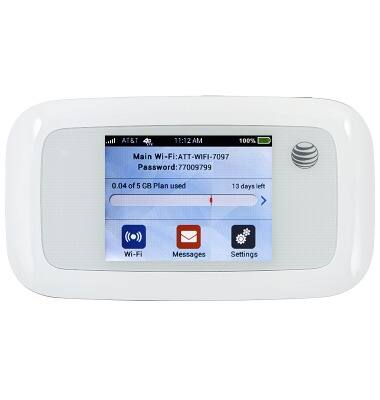
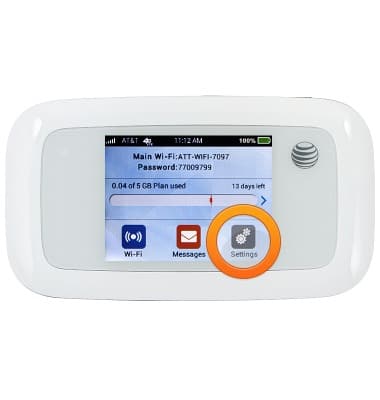
- From the home screen, tap Settings.
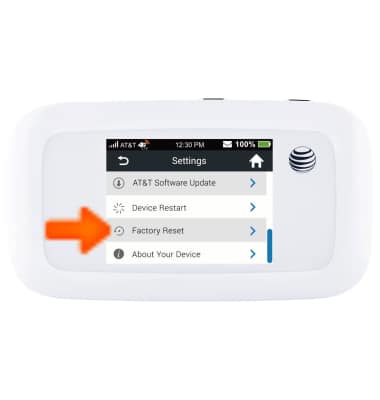
- Scroll to, then tap Factory reset.
- Tap Reset Device.

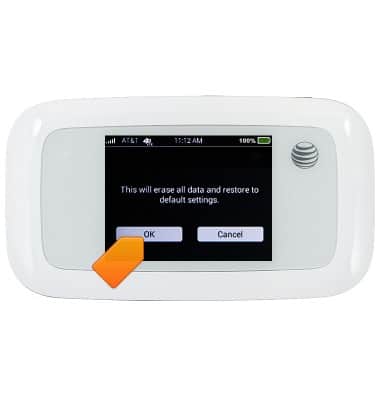
- Tap OK.
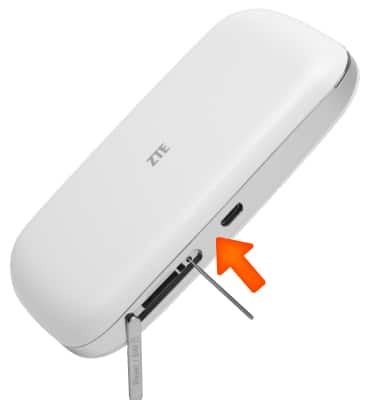
- If you cannot reset the device via the Settings, open the SIM card cover, and use a paper clip to press the reset button in for 8 seconds.