Learn how to connect to the hotspot using Windows.
INSTRUCTIONS & INFO
- On the computer, click the Wireless network icon.
Note: Get Windows 10 instructions.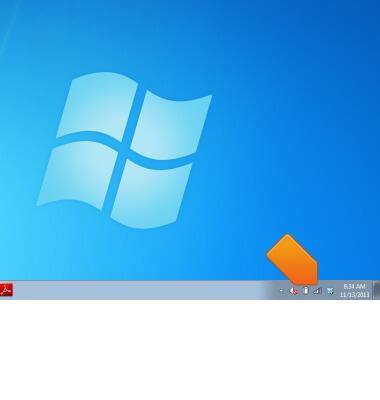
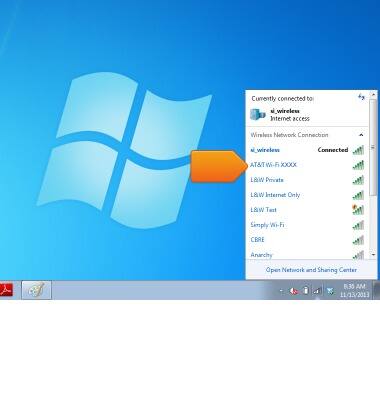
- Click the desired wireless network.
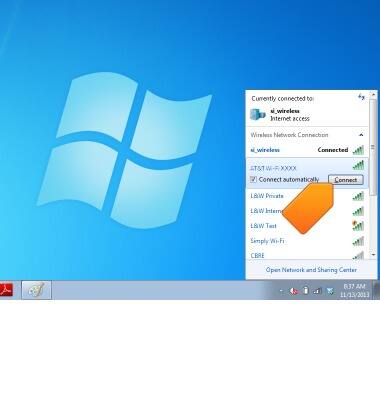
- Click Connect.
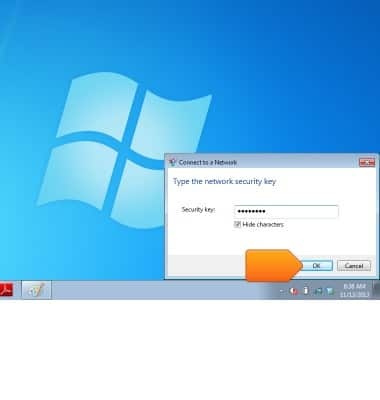
- Enter the required password in the Security key field.
Note: The password is located on the device home screen.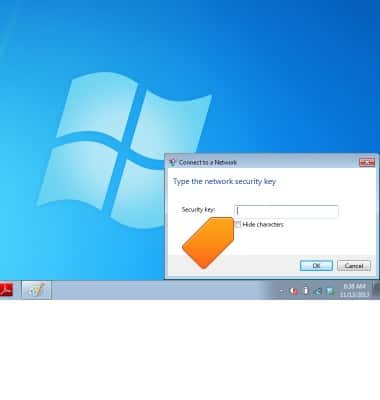
- Click OK.