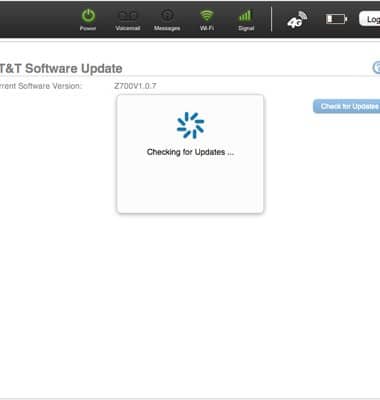
Check for software updates periodically to ensure your device firmware is up to date.
INSTRUCTIONS & INFO
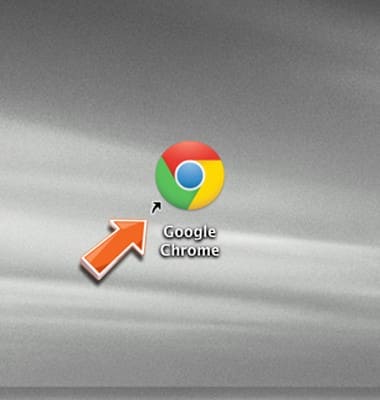
- Open the Web browser on a device that is connected to the Home Base network.
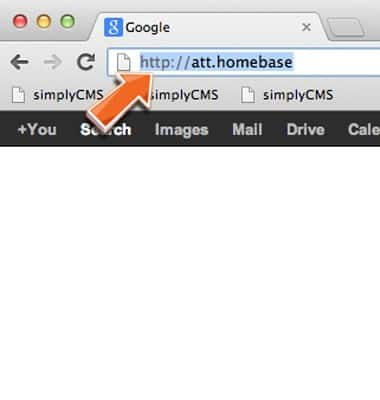
- Enter http://att.homebase directly into your browser address field.
- Enter the required login information, then click Submit.
Note: Your login can be found on the bottom of your AT&T Home Base or Quick Start.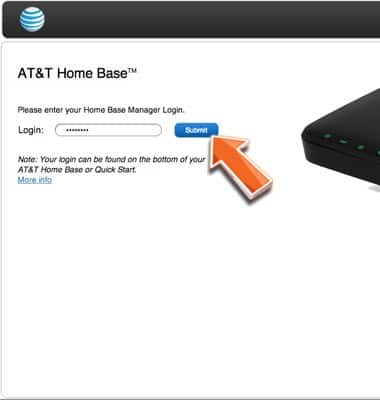
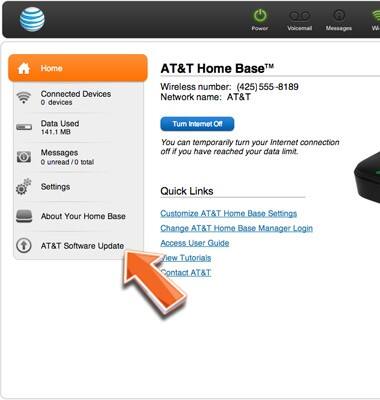
- Click AT&T Software Update.
- Click Check for Updates.
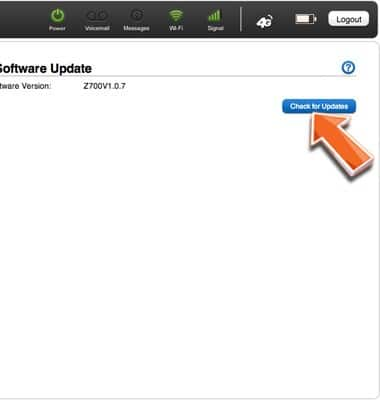
- The device will check for available updates. Follow the on-screen instructions to update your device, if one is available.