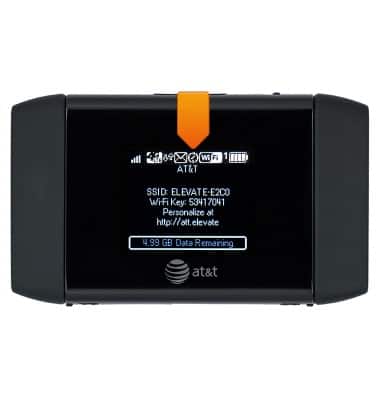
This tutorial provides an overview of location services and GPS for a device.
INSTRUCTIONS & INFO
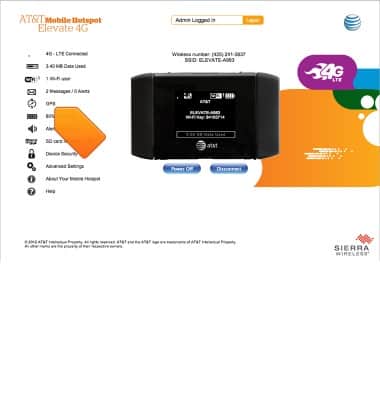
- From the Elevate Manager, click GPS.
- To find your location, click Get GPS Location.
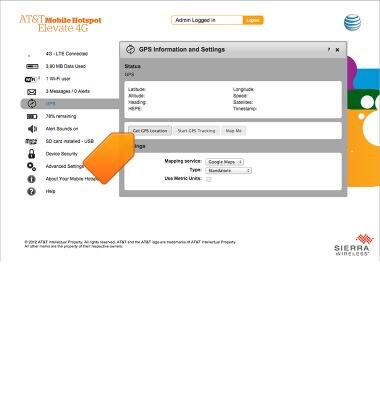
- To track your location, click Start GPS Tracking.
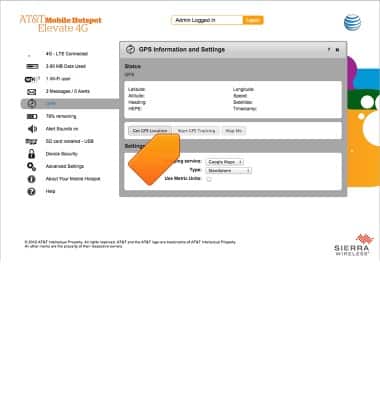
- To view your location on a map, click Map Me.
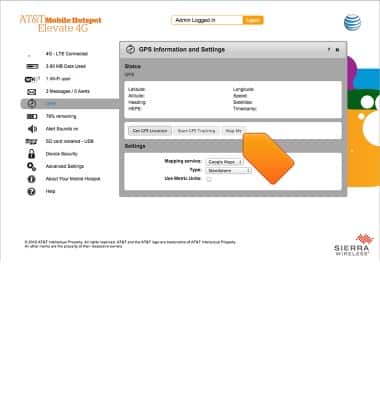
- To edit the GPS settings, click the desired option below Settings.
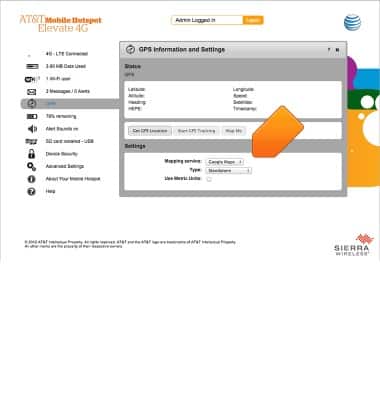
- When using GPS, the GPS icon will be displayed on the Notification bar.