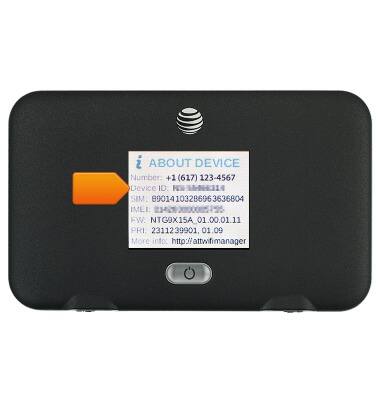
This tutorial shows the steps to access the IMEI, phone, & serial number.
INSTRUCTIONS & INFO
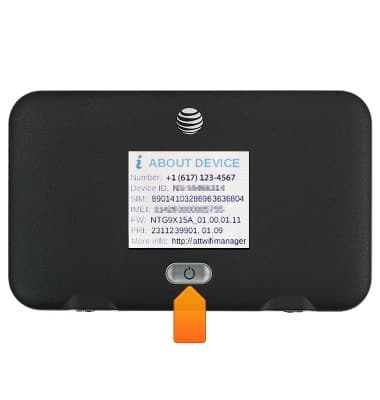
- Press the Power button on the front of the device until the ABOUT DEVICE page will be displayed.
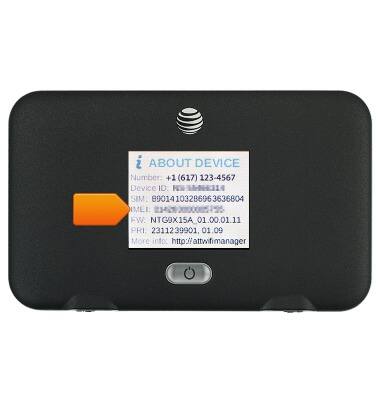
- The IMEI number will be displayed.
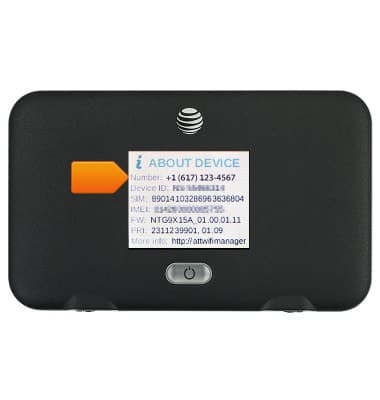
- The Phone number will be displayed.
- The Serial number / Device ID number will be displayed.