Block and unblock Wi-Fi devices from connecting to the Router's network.
INSTRUCTIONS & INFO
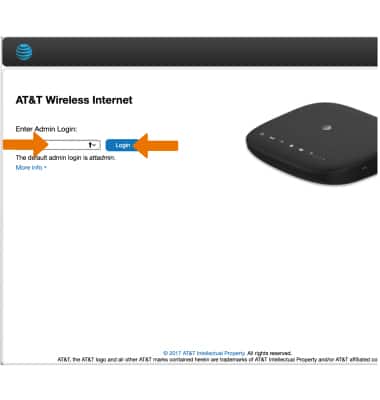
- From your device's web browser go to http://att.wirelessinternet. Enter your Admin login, then click Login.
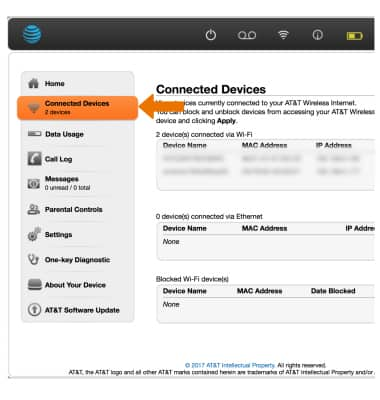
- BLOCK A DEVICE: Click Connected Devices.
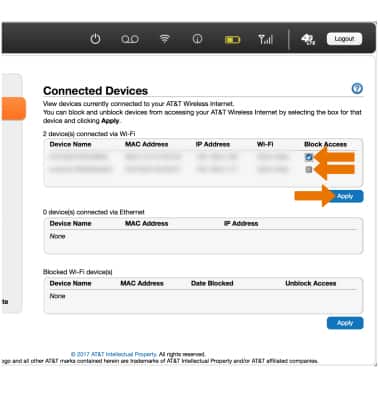
- Click the Block Access checkbox next to the desired device. Click Apply when fininshed.
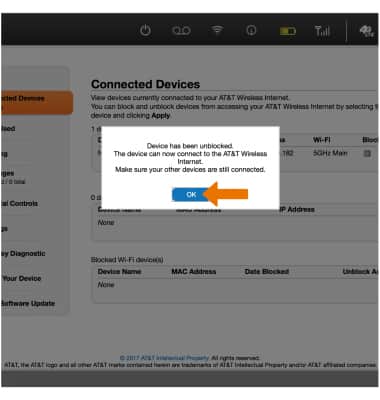
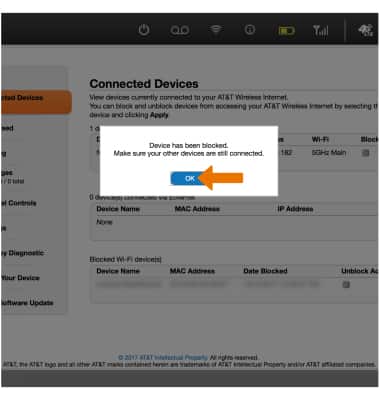
- Click OK.
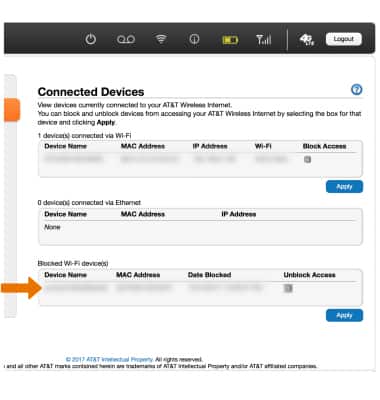
- Blocked devices will be displayed in the Blocked Wi-Fi device(s) panel.
- UNBLOCK A DEVICE: From the Blocked Wi-Fi device(s) panel, click the Unblock Access checkbox next to the desired device. Click Apply when finished.
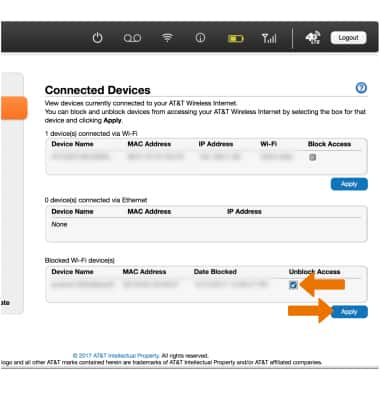
- Click OK.