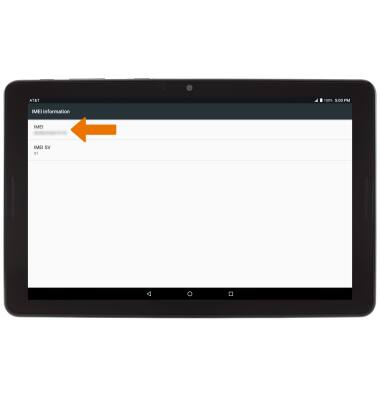
View the device IMEI, phone and serial numbers.
INSTRUCTIONS & INFO
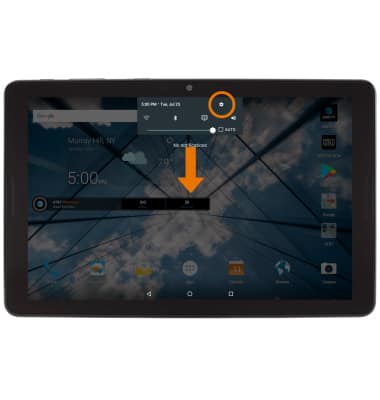
- VIEW PHONE NUMBER: Swipe down from the Notification bar, then select the Settings icon.
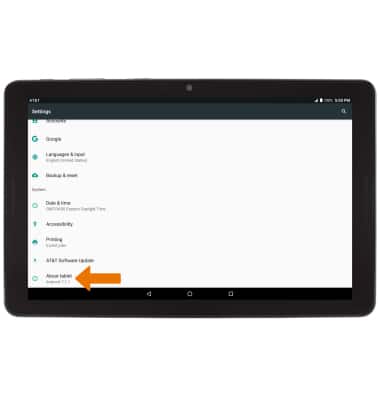
- Scroll to and select About tablet.
- Select Status.
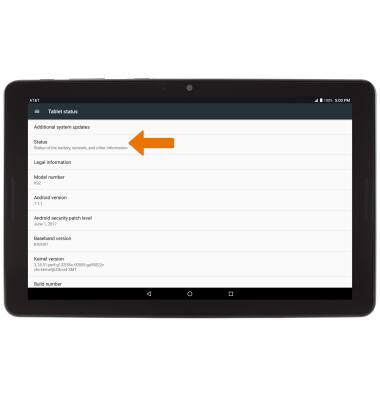
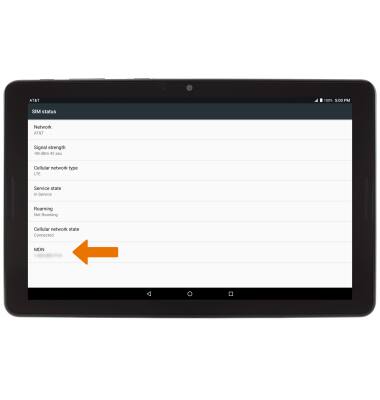
- Select SIM Status.
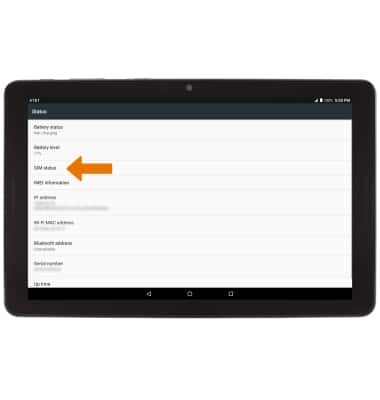
- The device number will be displayed under MDN.
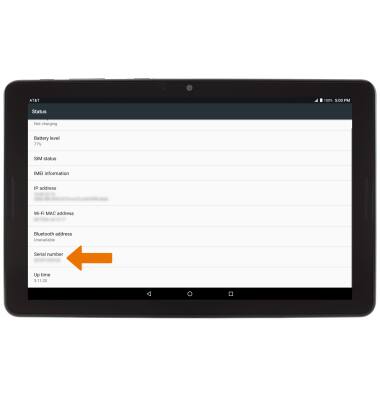
- VIEW SERIAL NUMBER: From the Status screen, the device's serial number will be displayed under Serial number.
- VIEW IMEI NUMBER: From the Status screen, select IMEI information.
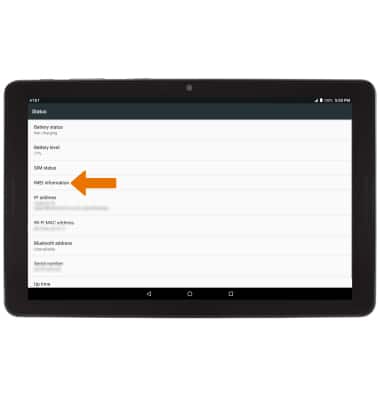
- The IMEI number will be displayed.