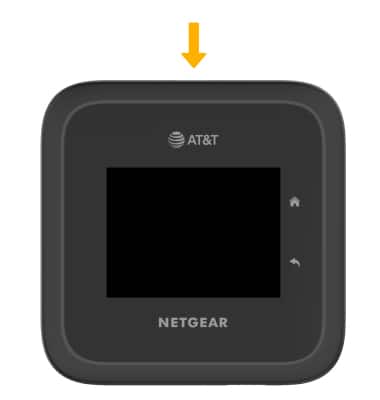
This article describes what to do if the network is not found.
INSTRUCTIONS & INFO
If the Wi-Fi network cannot be found on a Wi-Fi enabled device, the NETGEAR Nighthawk® M6 Pro might be asleep. To wake up, press the
Power key
.
Did you get the help you needed?
Additional support
Upgrade device
Check your upgrade eligibility
Wireless support
Get help with your wireless device, plan, and more.