Connect WPS devices
Connect WPS devices

Learn to connect a WPS-capable device to the Home Base wireless network.
-
Ensure that the WPS capable device is turned on and functioning properly. Press the WPS button on the connecting device and hold for two seconds.
-
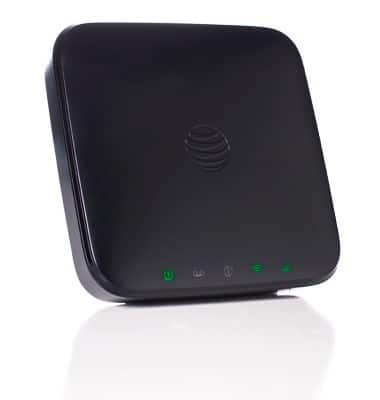
On the Home Base, press the WPS button.
Note: There is a 2-minute window to complete this action after completing Step 1.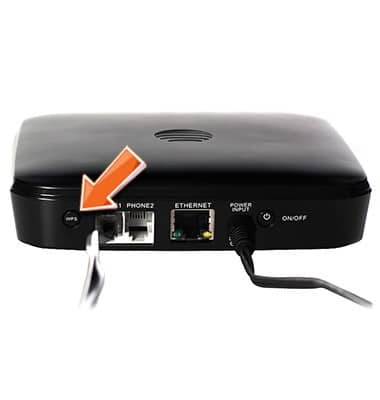
-
Wait a few moments for the connection to complete. The device should now be connected to the Home Base Network.
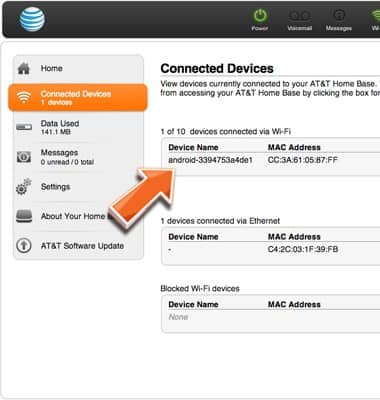
Note: Confirm the connection has been made by accessing the 'Connected Devices' section of the AT&T Home Base Manager.