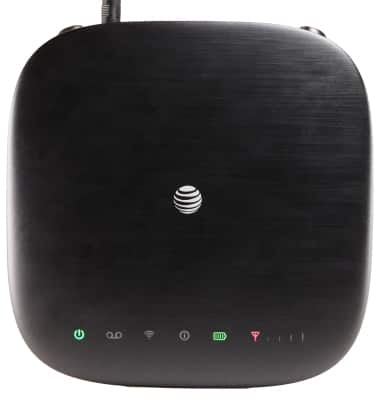
Check the Wireless Signal
Check the Wireless Signal

The signal LED on your device indicates the current wireless signal status.
-
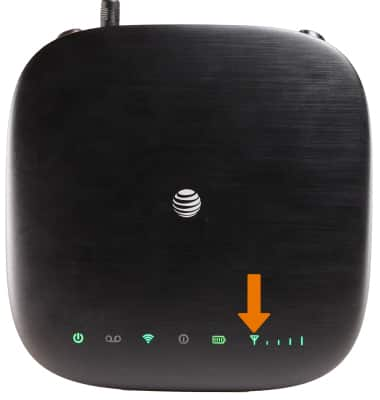
The Signal Strength LED displays the wireless signal strength that the AT&T Wireless Internet is receiving from the AT&T wireless network.
-
3 or 4 bars indicate that the AT&T Wireless Internet is receiving a strong signal.
Note: 1 or 2 bars indicates a moderate wireless signal.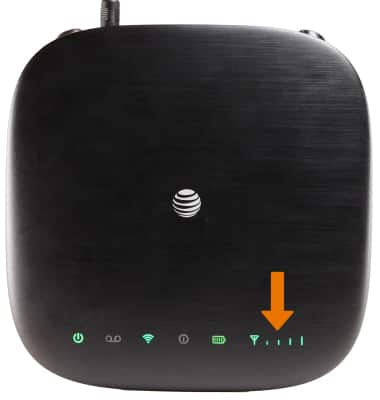
-
Red indicates no wireless signal.
Note: Red blinking indicates a SIM card error.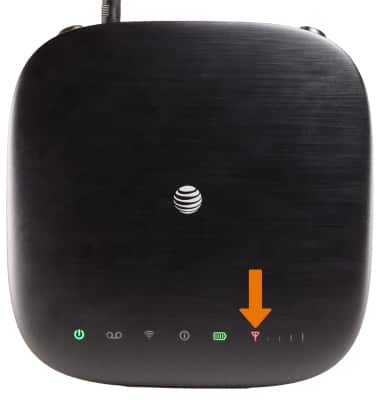
-
If the Signal Strength LED isred or only 1 or 2 bars arelighting up, move the AT&T Wireless Internet to a different location for best performance.
Note: The Signal Strength LED will turn green when connected to LTEor blue if it is connected to HSPA/3G.