Enviar un mensaje de texto
Galaxy Watch Ultra
Enviar un mensaje de texto
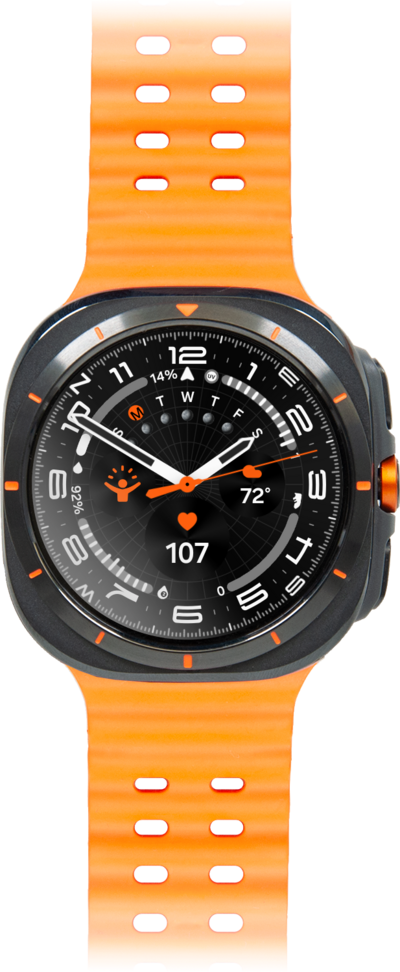
Escribe y envía un mensaje SMS estándar con la aplicación de mensajería de texto de tu dispositivo. Puedes enviar un mensaje de texto a una persona o un grupo.
1.
From the Messages app, tap the Start Chat icon.
2.
Desplázate y selecciona un contacto.
3.
Selecciona un número.
4.
Tap the Start chat icon.
5.
Tap the Message field.
You can also scroll to and tap a quick response to send it immediately.
6.
Ingresa tu mensaje.
To select punctuation, dictate a message, or add emoji, swipe up from the bottom of the screen to open the Keyboard menu.
7.
Tap the Check mark icon.
8.
¡Completaste los pasos!
