Ensamblaje del dispositivo
Instalar y quitar la tarjeta SIM y la batería.
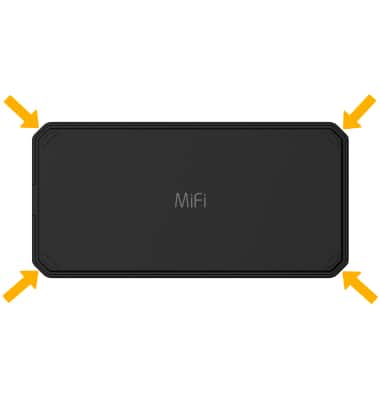
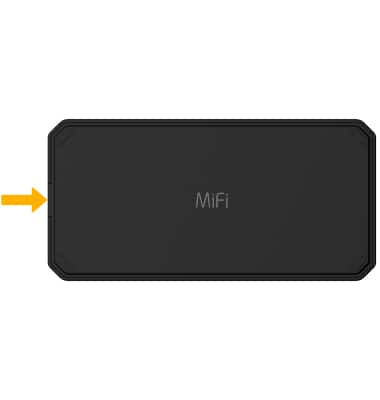
1. Desde la parte inferior del dispositivo, utilice la muesca en el lado izquierdo para levantar la placa trasera hacia arriba y fuera del dispositivo.
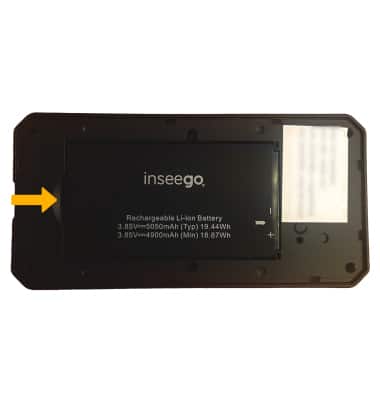
2. To remove the battery, gently lift from the notch at the left side of the battery.
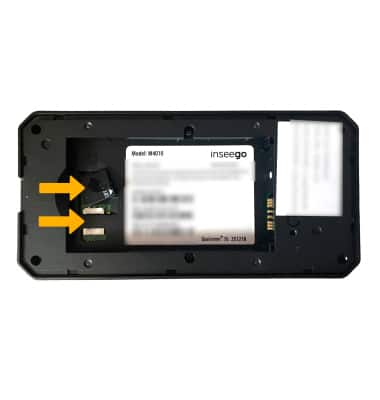
3. To insert the SIM card, lift the sim cover then put the nanoSIM card into the SIM slot with the gold contacts facing down and the notched edge on the bottom right. When finished, reattach the SIM cover by pressing it into place.
4. Para colocar la batería, alinea los contactos dorados en la parte inferior derecha de la batería con los contactos dorados del dispositivo y desliza suavemente hacia abajo hasta que la batería encaje en su lugar.
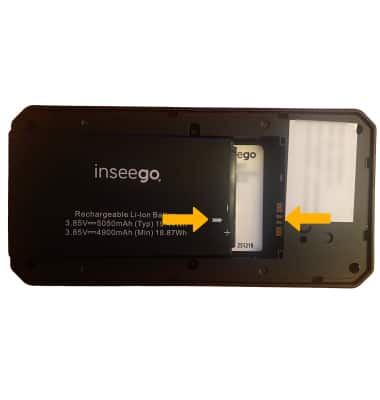
5. Vuelve a colocar la tapa negra al presionar hasta que encaje en su lugar.