Set up your BGW720
Connect, surf, and stream with your new BGW720 All-Fi Hub. Choose your cable type to get setup details for your BGW720.
Your BGW720 connects by one of these options:
- A fiber jack using a white cable with green tips.
- An Optic Network Terminal (ONT) using a white Ethernet cable with red tips.
Get started with the AT&T Smart Home Manager app. Download the app or scan the QR code on the side of your All-Fi Hub®. Then, sign in with your AT&T ID and password. We’ll take you step-by-step through the BGW720 setup.
FYI: See the BGW720 user guide (PDF, 300MB) for more info on your new All-Fi Hub.
Set up your new BGW720 Wi-Fi hub
Get steps to self-install your new BGW720 Wi-Fi hub using the free AT&T Smart Home Manager app.
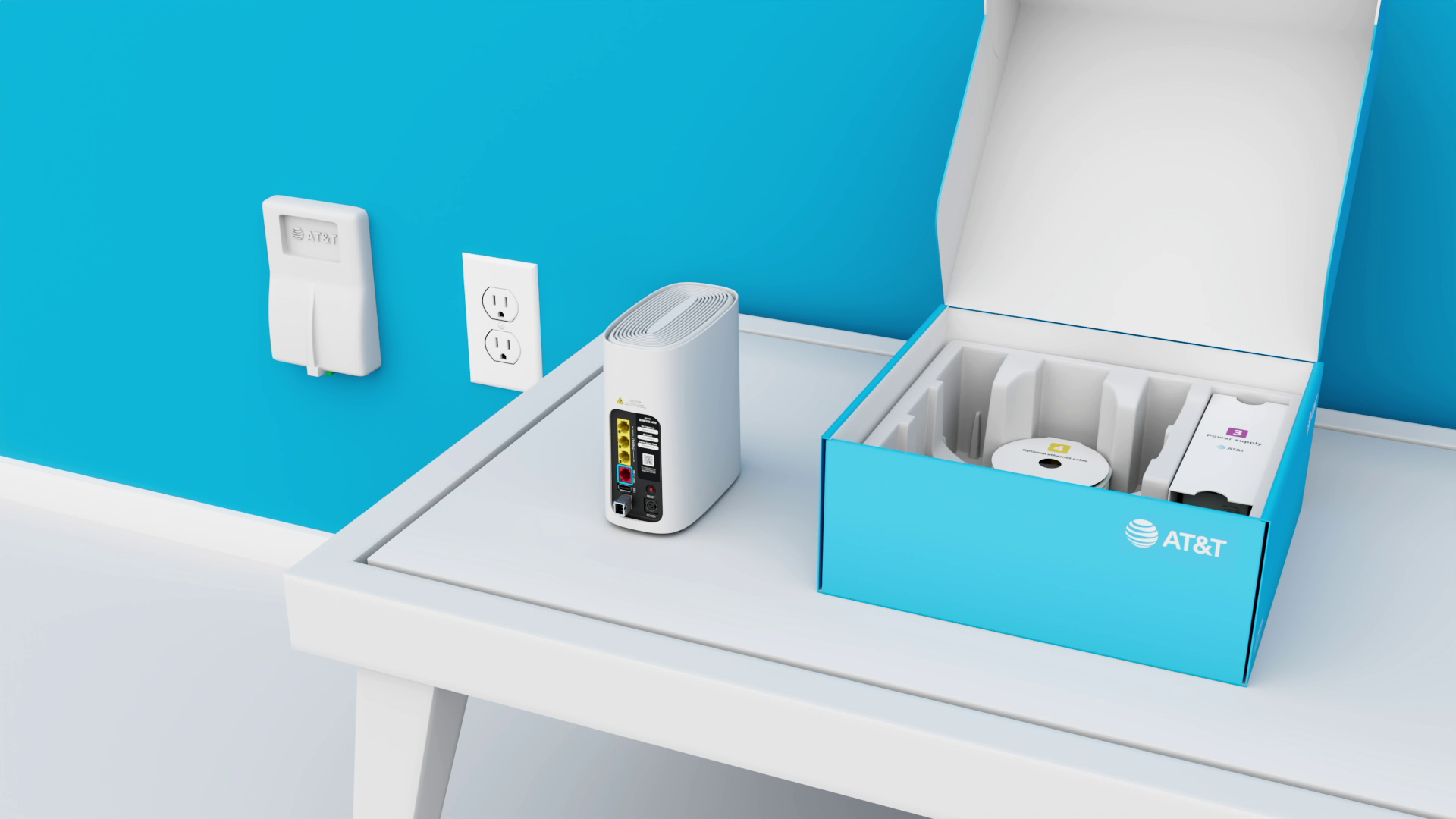
Set up your new BGW720 Wi-Fi hub
7:42
FREQUENTLY ASKED QUESTIONS
Last updated: October 13, 2026
Browse topics
Connections, browsing & security
Installation & order status
Troubleshooting & repair
Wi-Fi gateways & equipment
Learn about internet and Wi-Fi connections, tools, and security.