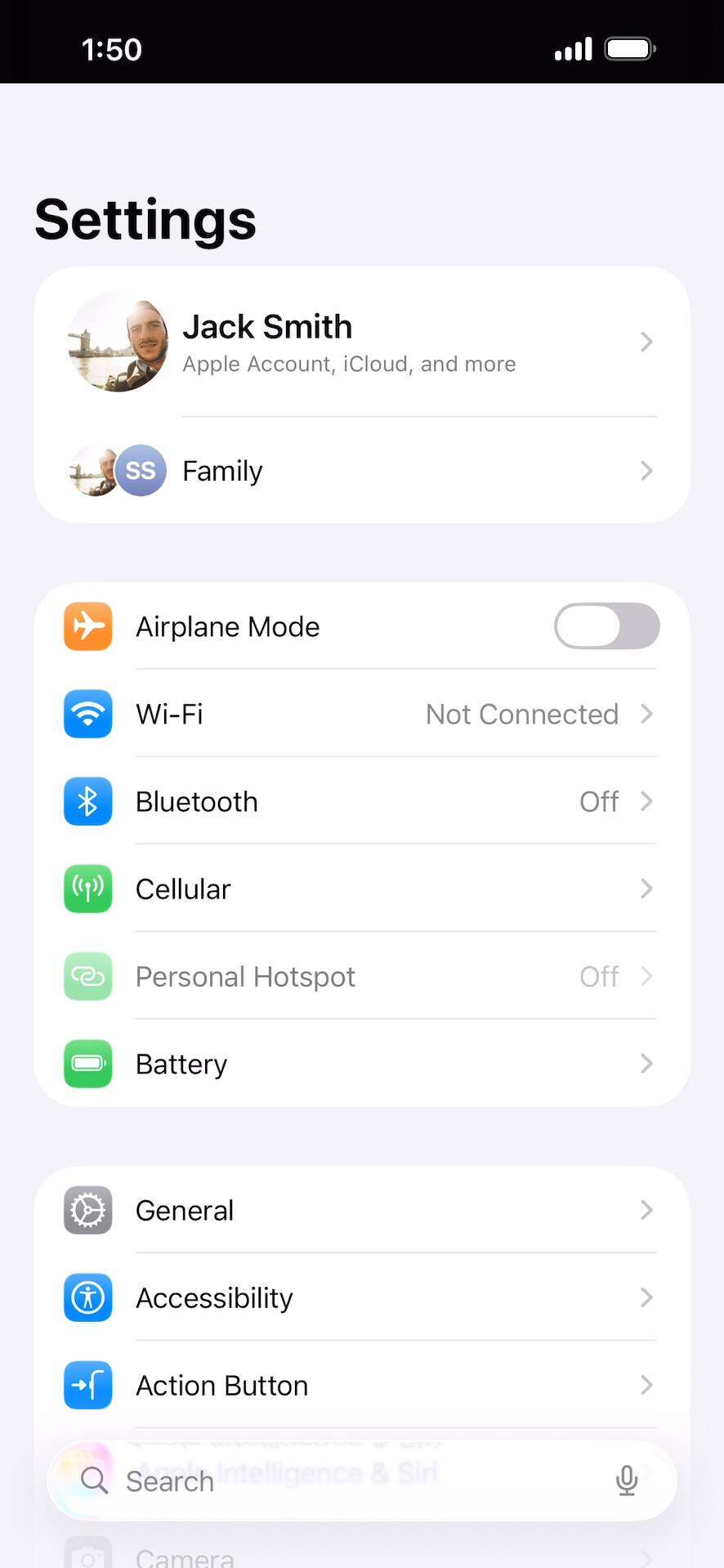
Checking if your phone is carrier locked
From within the Settings app, tap Cellular.
If no cellular networks are added to your device at this time, instead skip to step 5.
Tap Network Selection.
If you have multiple SIMs, first select the one for which you want to confirm other networks' availability.
Tap or slide the Automatic switch to OFF.
If your device only displays one carrier, it is likely locked. However, if you have multiple networks to choose from, your device is likely unlocked.
Another method to verify if your device is carrier locked is through the About section. Tap the Back icon twice to return to the main Settings menu.
From the main Settings menu, scroll to and tap General.
Tap About.
Scroll to Carrier Lock.
If your device displays “No SIM restrictions” beside the Carrier Lock setting then your device is unlocked. However, if your device displays “SIM locked”, then your device is currently carrier locked.
You've completed the steps!