Battery life
Tips & tricks to extend your battery performance.
-
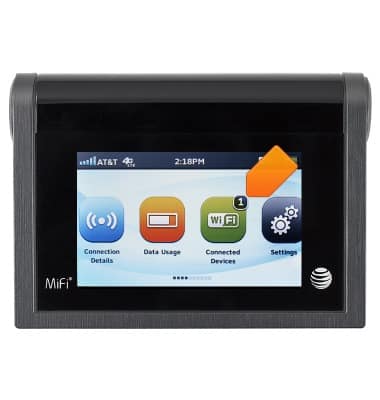
The mobile hotspot is configured (by default) to optimize battery life. There are several methods you can use to extend the battery life:
-
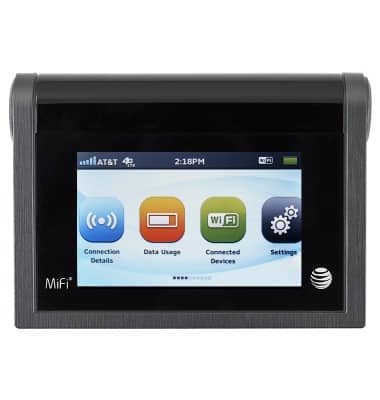
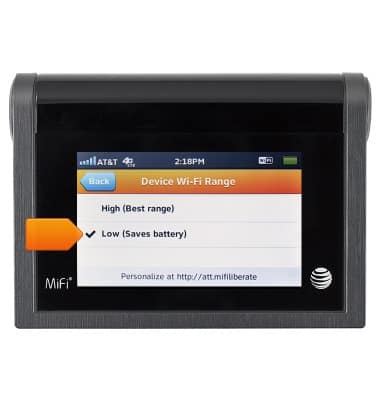
If the devices you are connecting to your Wi-Fi network are always near the mobile hotspot device, shorten the Wi-Fi range. Home screen > Settings > Device Wi-Fi Range
-
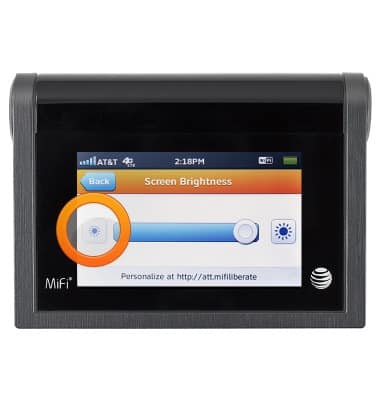
Reduce the LCD's brightness level. Home screen > Settings > Screen Brightness
-
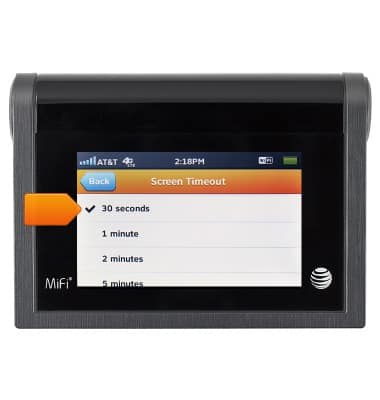
Reduce the screen time out. Home screen > Settings > Screen Timeout.
-
The more devices connected to the Wi-Fi network the more battery power is consumed.