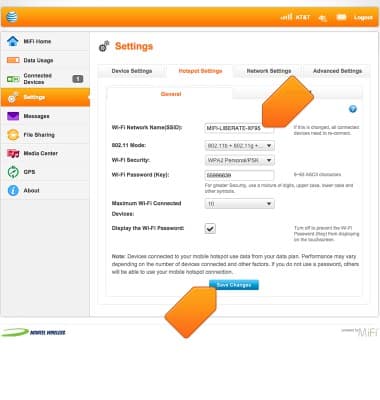
Wi-Fi network name
Learn how to change the network name for your device.
-
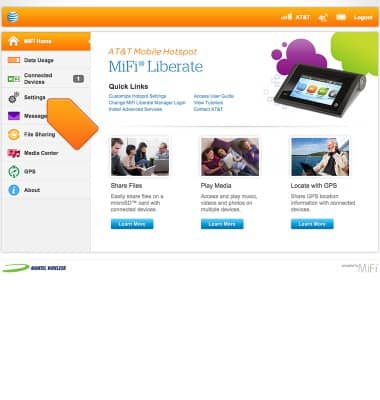
To change the network name or password, login to Mi-Fi Liberate Manager from a device connected to the AT&T Mi-Fi Liberate Wi-Fi network, then click Settings.
-
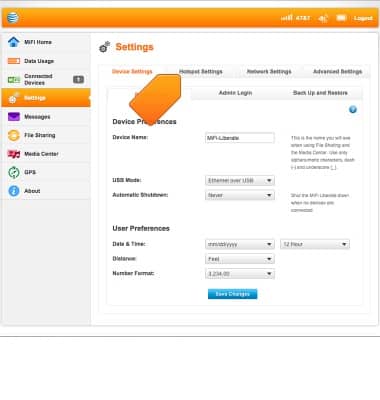
Tap Hotspot Settings.
-
Enter the desired new network name, then click Save Changes.