Device assembly
Install and remove the SIM and battery.
-
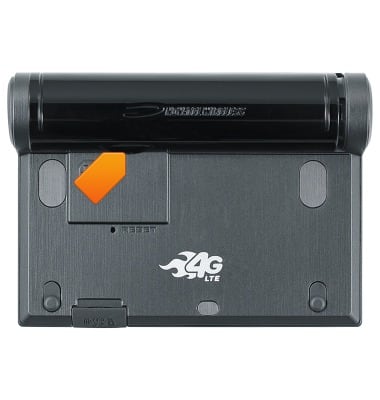
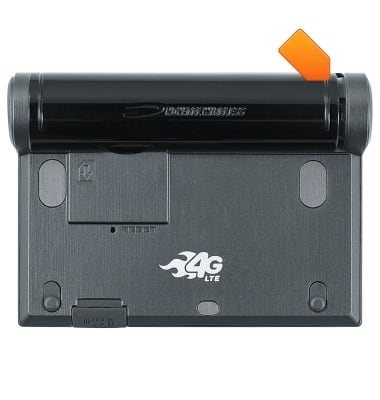
Remove the Battery cover by pulling away at the notch.
-
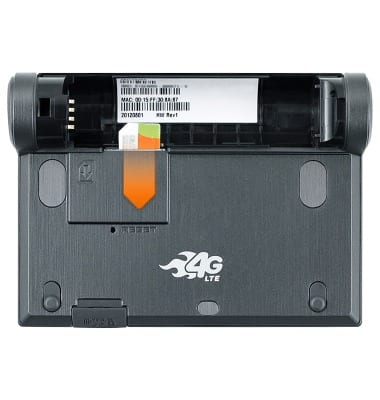
Insert the Micro SIM with the metal contacts facing down and the beveled edge facing left.
-
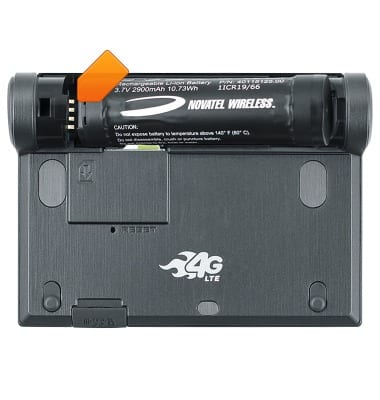
To insert the Battery, align the metal contacts, then place into the battery port.
-
Place the Battery cover back onto the device.
-
To insert an SD card, open the SD card port cover at the bottom of the device.
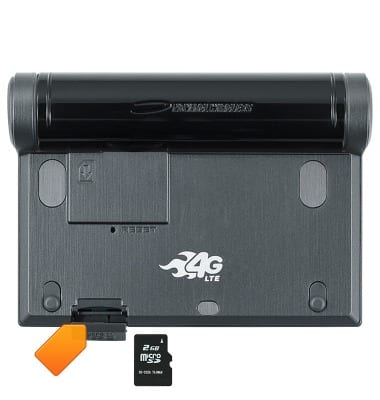
-
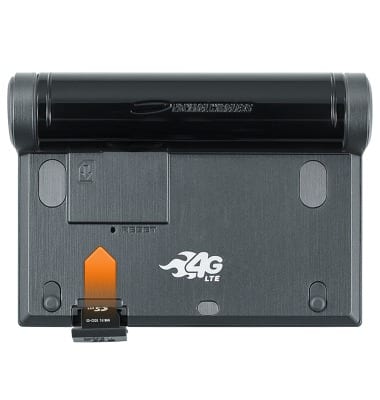
Insert the SD card with the metal contacts facing down.
-
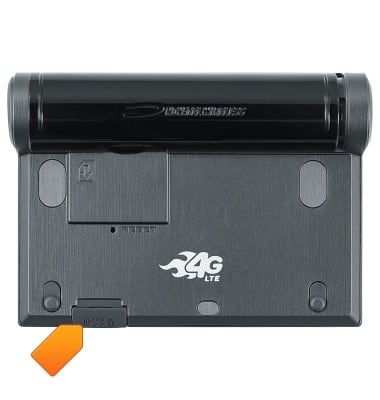
Close the SD card port cover.
-
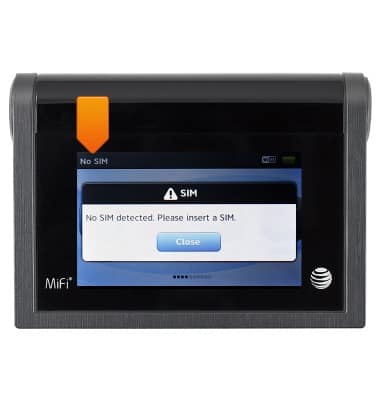
When no SIM card is in the device, No SIM will be displayed on the home screen.