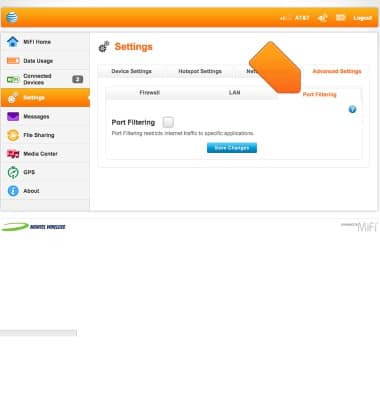
Elevate 4G Web Manager advanced settings
This article provides an overview of advanced settings.
-
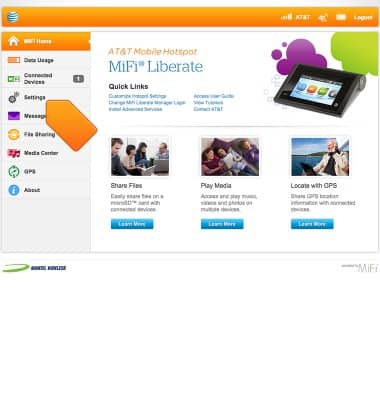
Log in to the MiFi Liberate Manager, then click Settings.
-
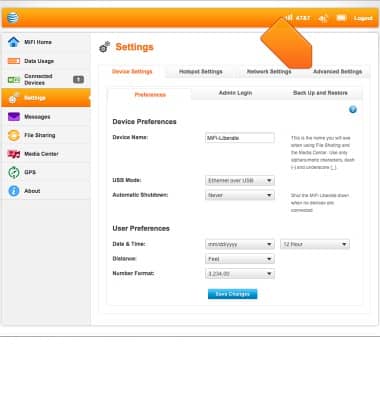
Click Advanced Settings.
-
To access and edit Firewall settings, click Firewall.
Note: Firewall determines which internet traffic is allowed.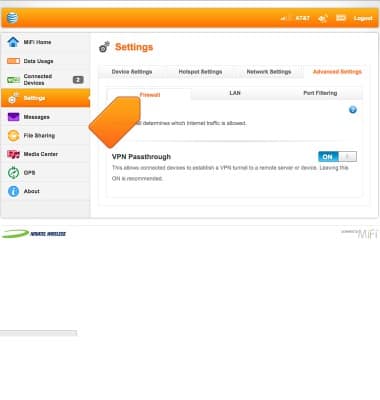
-
To access and adjust the server settings, click LAN.
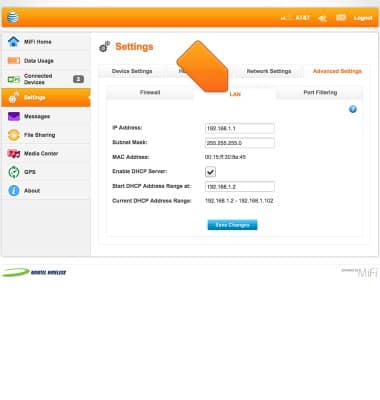
-
To restrict internet traffic to specific applications, click Port Filtering.