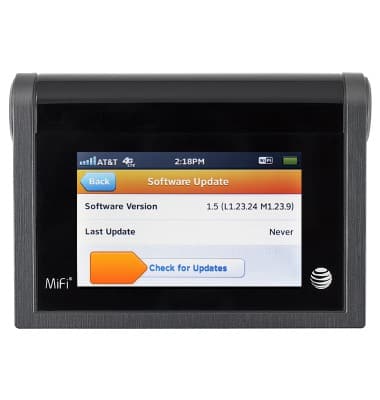
View device software version
This article describes how to find the software and firmware version.
-
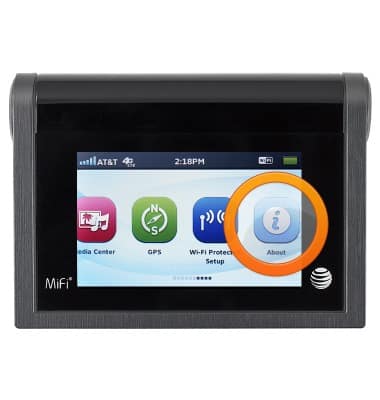
From the home screen, swipe to, then tap About.
-
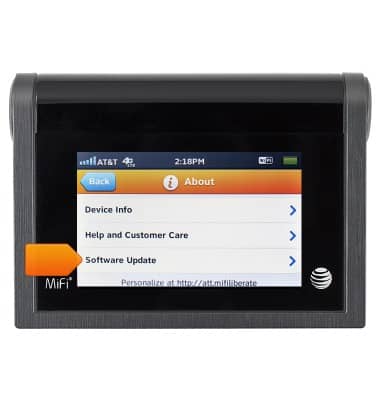
Scroll to, then tap Software Update.
-
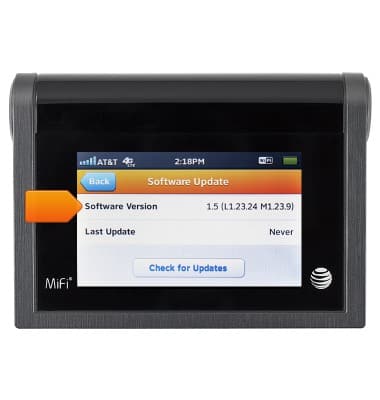
The Software Version will be displayed.
-
To check for updates, tap Check for Updates. If updates are available, follow the prompts to continue to update.