No Dial Tone
This article explains what to do when no dial tone can be heard.
-
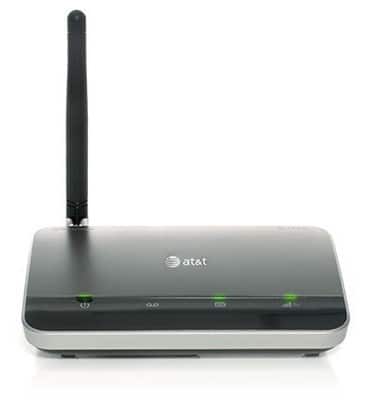
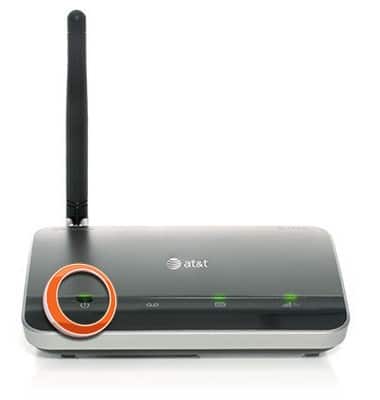
Ensure the power LED is green, and that the outlet supplying power to the AT&T Wireless Home Phone is not switched off.
-
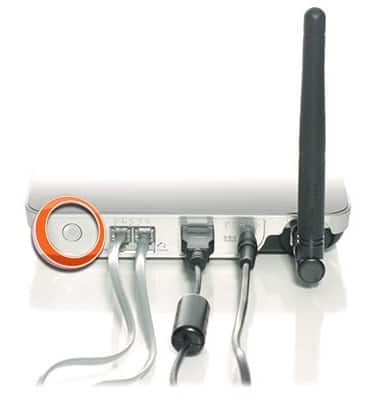
Check that the signal strength LED is illuminated. If not, press and hold the Power button until it illuminates.
-
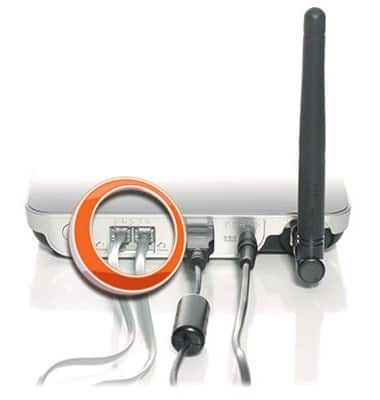
Ensure the phone you are trying to use is charged/under power, and is properly connected to the WHP Base Unit with an undamaged cable.
-
Relocate the WHP Base Unit to an area with better reception (usually near an exterior wall or window).