Manage wireless account
Access myAT&T through the Home Base Manager to change account settings, pay your bill, and view important alerts.
-
To manage your wireless account, visit att.com/myatt.
-
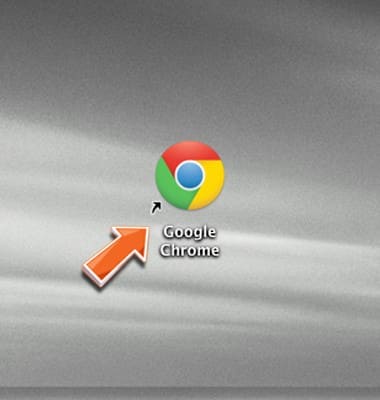
You can also manage your account using the AT&T Home Base Manager. Open the Web browser on a device that is connected to the AT&T Home Base network.
-
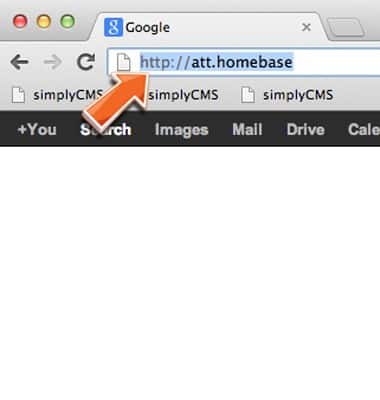
Enter http://att.homebase directly into your browser address field.
-
Enter the required login information, then click Submit.
Note: Your login can be found on the bottom of your AT&T Home Base or Quick Start.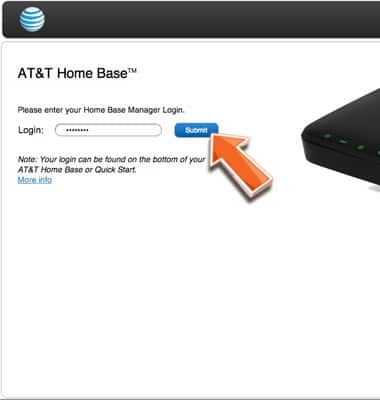
-
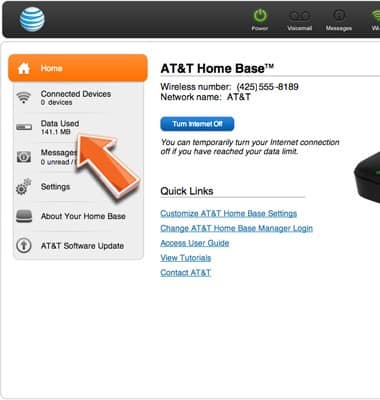
Click Data Used.
-
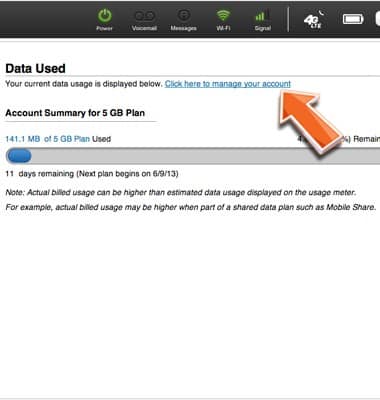
Select Click here to manage your account to log in to myAT&T for access to your AT&T wireless account.