Guest Wi-Fi
Learn how to set up guest Wi-Fi.
-
Guest Wi-Fi allows you to set up a separate Wi-Fi network for temporary users, and use the main network for trusted devices.
Note: For GoPhone Users: Your device will have a different home screen showing ‘To check your data balance, go to att.com/mygophone’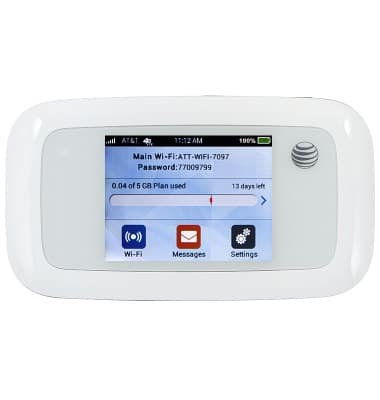
-
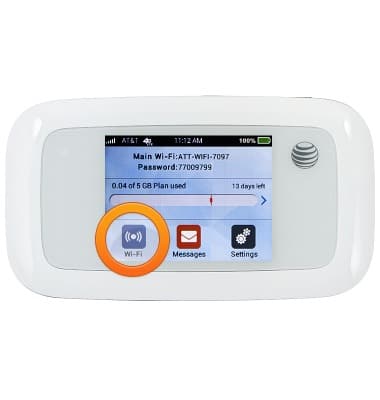
From the home screen, tap Wi-Fi.
-
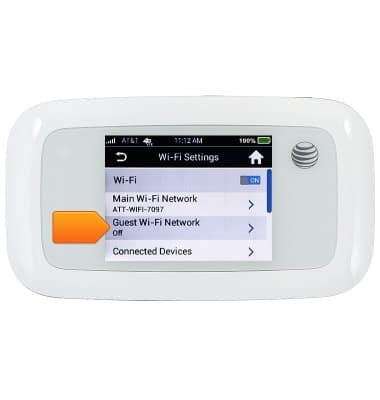
Tap Guest Wi-Fi Network.
-
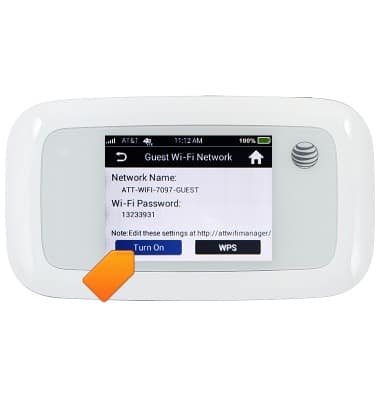
Tap Turn On.
-
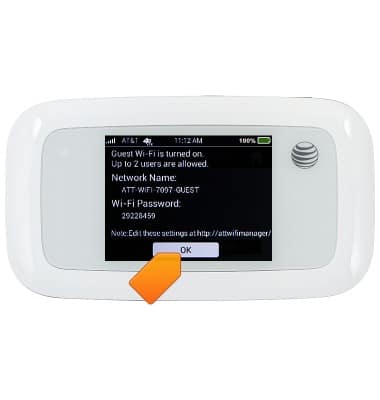
Review the Wi-Fi network details and password, then tap OK.