Reset device
This article describes how to reset the device to its factory settings.
-
A master reset reverts the device back to factory settings. It will permanently erase all personal data, preferences, settings.
-
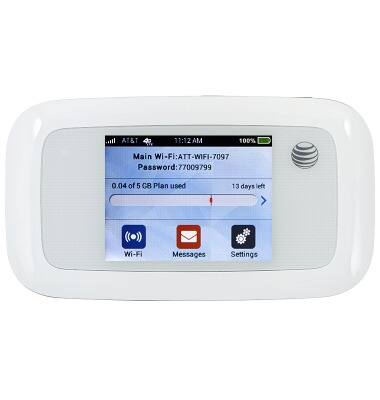
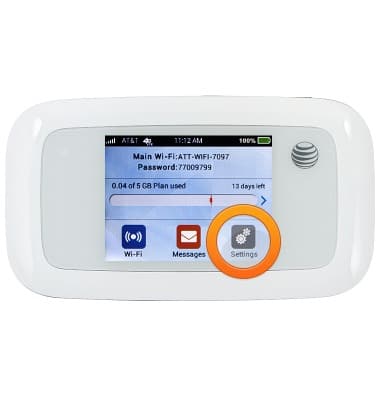
From the home screen, tap Settings.
-
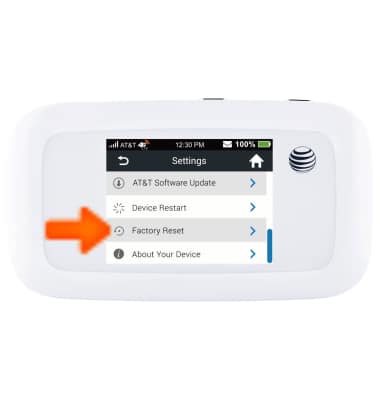
Scroll to, then tap Factory reset.
-
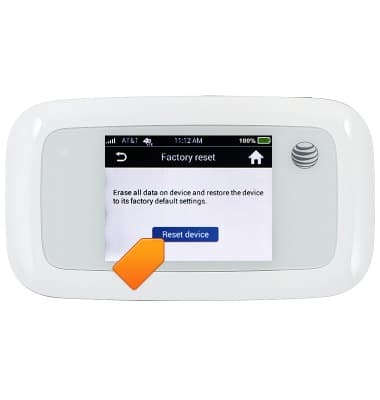
Tap Reset Device.
-
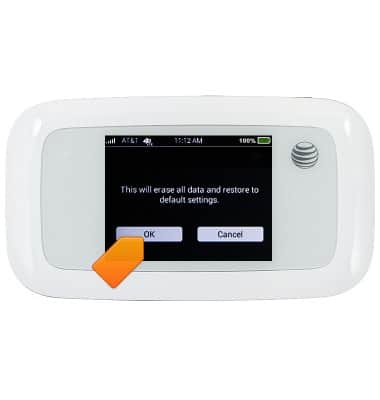
Tap OK.
-
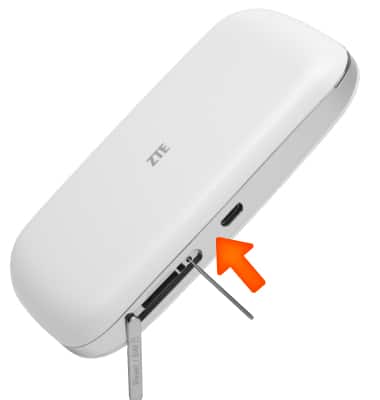
If you cannot reset the device via the Settings, open the SIM card cover, and use a paper clip to press the reset button in for 8 seconds.