Gestures & Navigation
Learn how to access applications and shortcuts on your device.
-
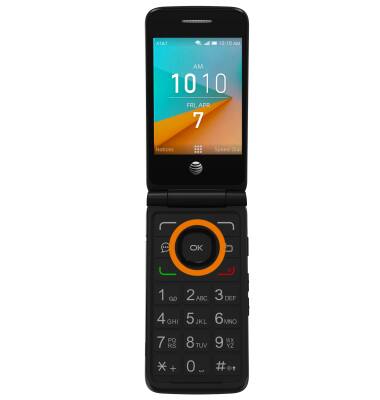
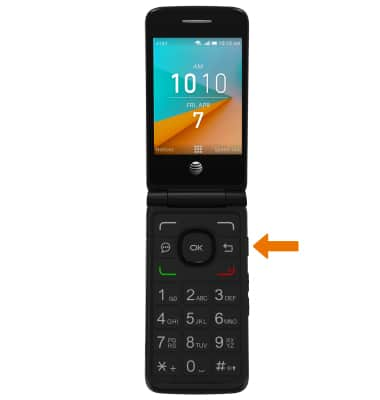
ACCESS APPLICATIONS: From the home screen, press the OK button.
-
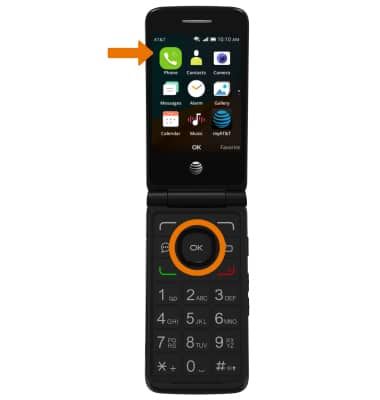
OPEN AN APP: Press the up and down directional buttons to navigate to the desired app, then press the OK button.
-
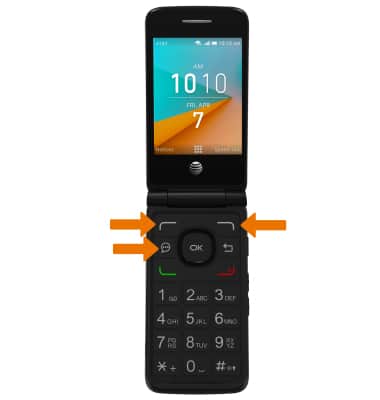
ACCESS SHORTCUTS: From the home screen, press the left option button to select Notices. Press the right option button to select Speed Dial. Press the Messages button to open Messages.
-
ACCESS CAMERA: Press the Camera button on the right side of the device to quickly access the camera.
-
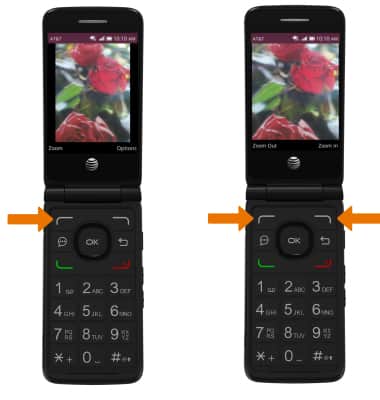
ZOOM IN/OUT: While viewing a photo, press the left option button to select Zoom. Press the right option button to select Zoom in. Press the left option button to select Zoom out.Note: To zoom in or out while browsing the web, press the 1 button to zoom out or press the 3 button to zoom in.