Accessibility
Accessiblity features allow you to improve the usability of your device for users affected by impaired vision or hearing, cognitive difficulty, or reduced de
-
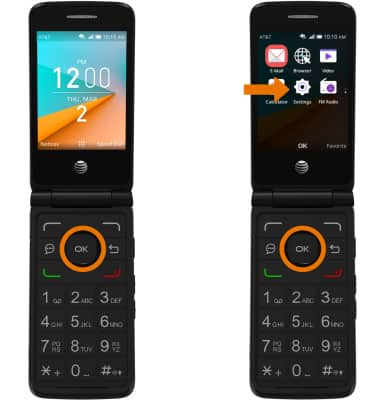
ACCESS ACCESSIBILITY FEATURES: From the home screen, press the OK button then press the directional buttons to navigate to the Settings app > Device tab > Accessibility.Note: From the Accessibilty screen, you can also adjust the device's font size, backlight brightness, invert screen colors, and more.
-
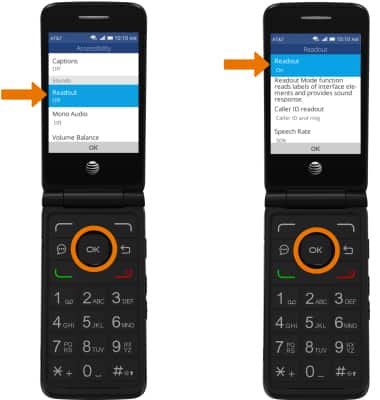
TURN ON READOUT: From the Accessibility screen, navigate to and select Readout > Readout > ON.
-
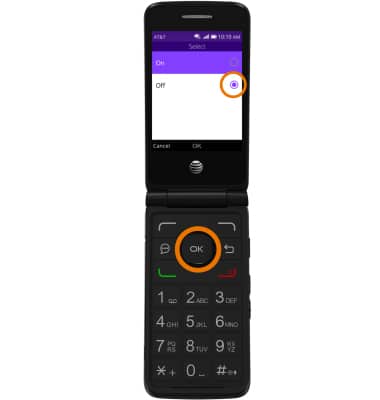
TURN OFF READOUT: From the Readout screen, navigate to and select Off.