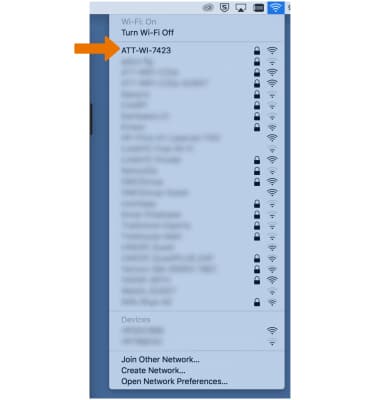
Wi-Fi Network Not Found
-
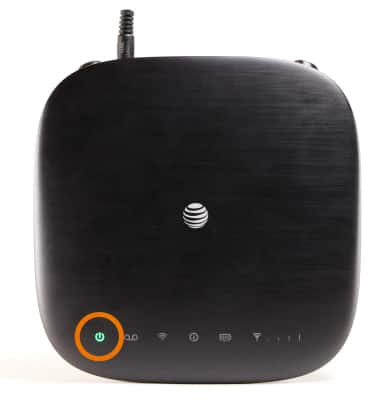
Make sure that the AT&T Wireless Internet is powered on. The Power indicator light should be a steady green if connected to a power outlet (or blinking green if on back-up battery).
-
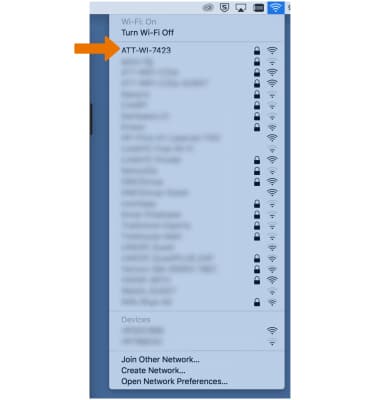
Refresh the network list on the device you are trying to connect.
-
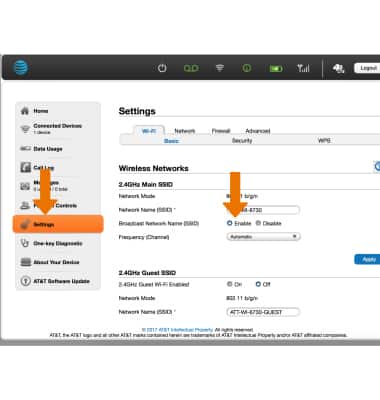
If the AT&T Wireless Internet network still does not appear and an Ethernet connection is available, log in to the AT&T Wireless Internet Manager (while connected to your AT&T Wireless Internet device), go to Settings > Wi-Fi > Basic and make sure the Broadcast Network Name (SSID) is enabled.
-
Restart your AT&T Wireless Internet device by switching the power button to OFF then back to ON.
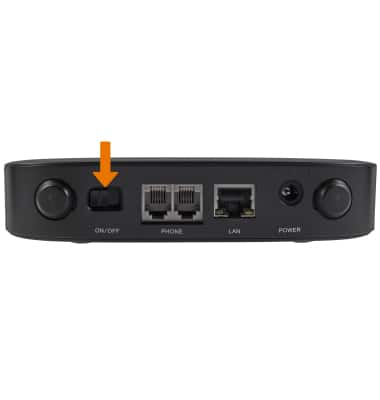
-
Refresh the network list again. If still unable to detect the AT&T Wireless Internet SSID, it may be necessary to perform a device reset to restore factory settings.
Note: To perform a device reset, remove the bottom cover of your AT&T Wireless Internet and using a ballpoint pen, press and hold the RESET button for eight (8) seconds. After the reset you may log in to the device using the default login attadmin.