Access Voicemail
Check your voicemail messages.
-
When you have an unheard voicemail, the Voicemail LED will flash green and you will also hear an intermittent dial tone when you pick up your phone.
Note: Voicemail is included with your service.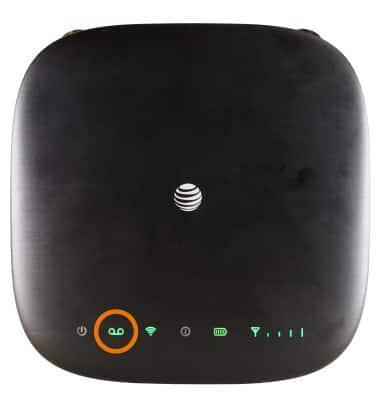
-
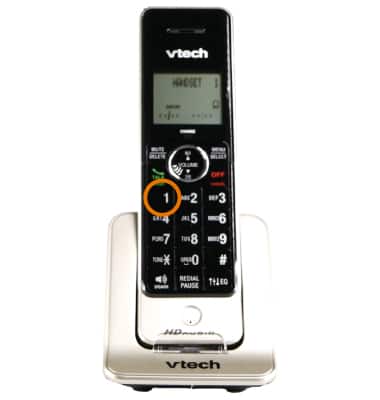
To retrieve voicemail messages from the phone connected to the AT&T Wireless Internet, dial 1 on your connected home phone, then follow the voice prompts to listen to and manage voicemail.
-
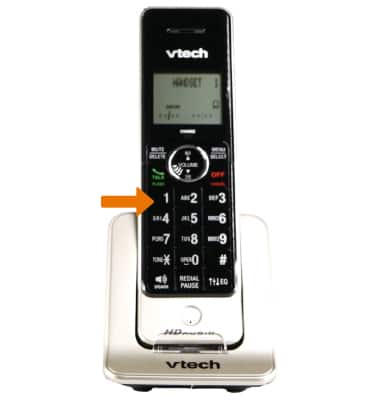
To retrieve voicemail messages from a phone not connected to the AT&T Wireless Internet, dial the home number associated with your Wireless Internet service.
-
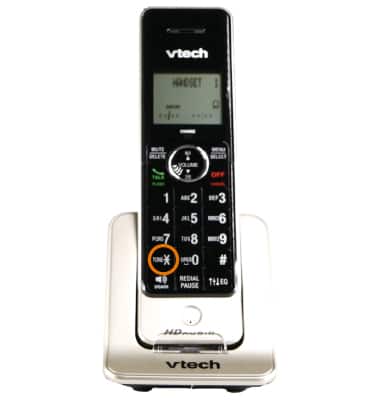
When the voicemail greeting begins, press *.
-
When prompted, enter your voicemail password.
-
Follow the prompts to listen to and manage voicemail messages.