Connected Devices
View connected devices.
-
From your device's web browser, go to http://attwifimanager. Enter your Admin Password, then click Login.
Note: Ensure that your device is connected to the AT&T Unite Express 2's Wi-Fi network. For more information, please see the Connect Devices to Wi-Fi or Connect PC or Mac to Wi-Fi tutorials.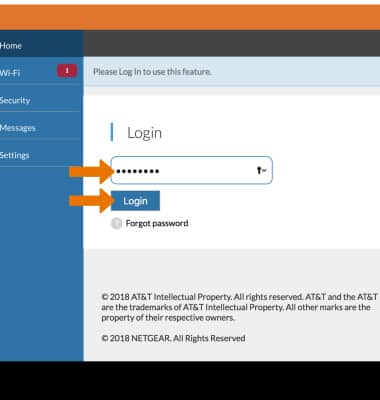
-
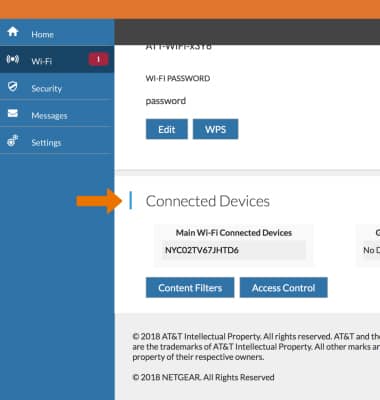
Scroll to the bottom of the page to view the connected devices.
-
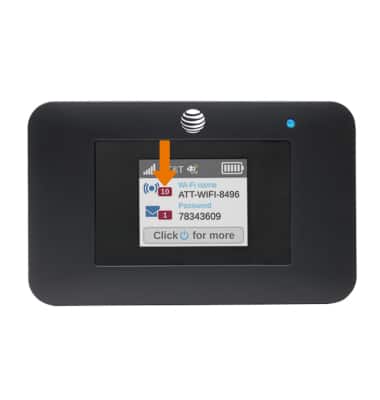
The number of connected devices is also displayed on the first home screen of the router.
Note: Press the Power button repeatedly to cycle through home screens.