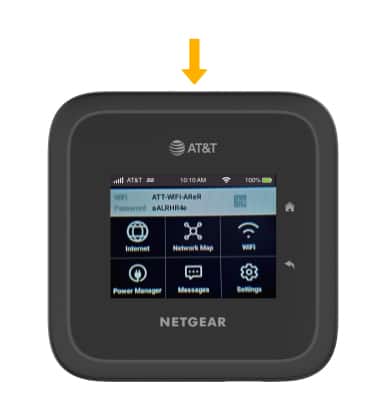
Secure My Device
This article describes how to set up a screen lock, lock and unlock the screen.
In this tutorial, you will learn how to:
• Set up screen lock• Log in using the screen lock• Lock device
Set up screen lock
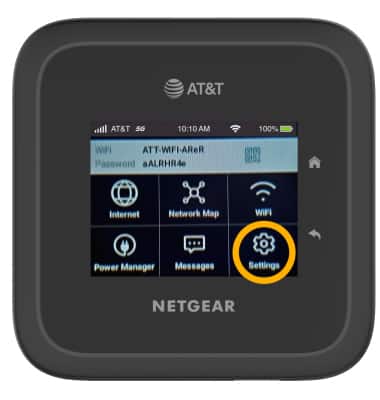
1. From the device home screen, select Settings.
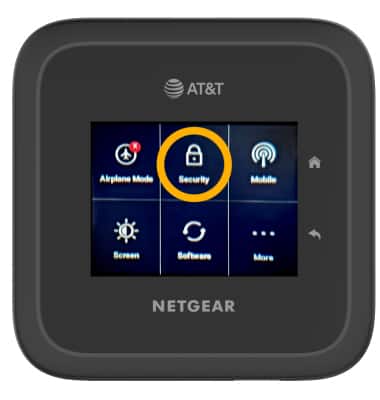
2. Select Security.
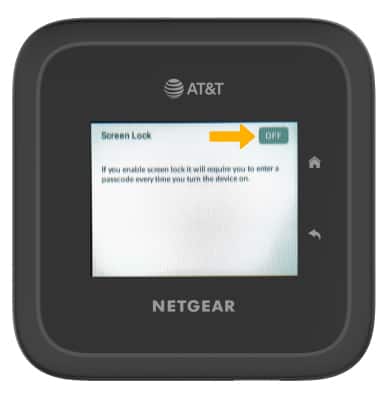
3. Select Screen Lock.
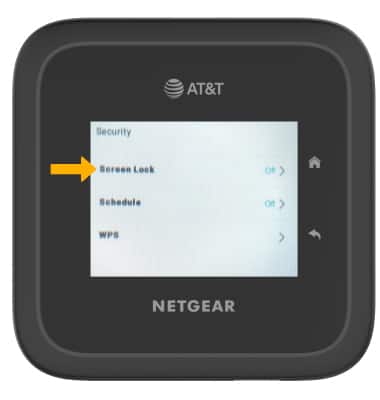
3. Select the Screen Lock switch and follow the prompts to complete set up.
Log in using the screen lock
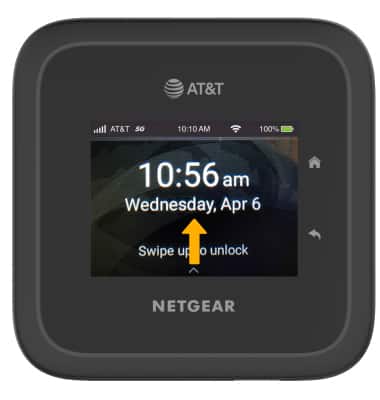
1. Swipe up from the device home screen.
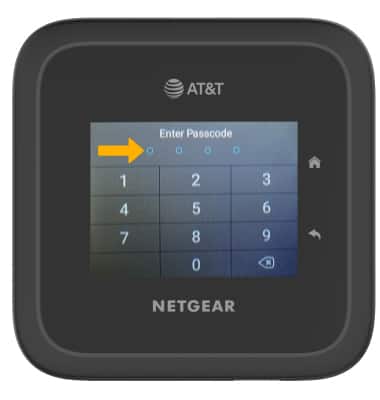
2. Enter the device passcode.
Lock device
Press the Power button on the front of the device.