Wi-Fi Connection Details
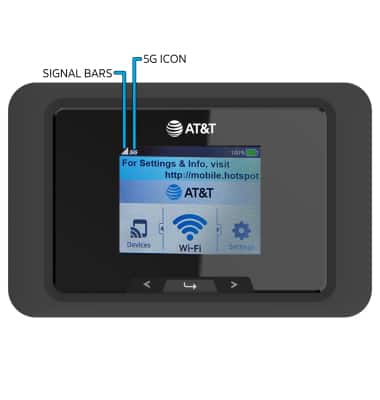
1. The device will display Signal bars and the 5G icon on the device home screen when successfully connected to Wi-Fi. The number of devices connected will be displayed on the home screen.
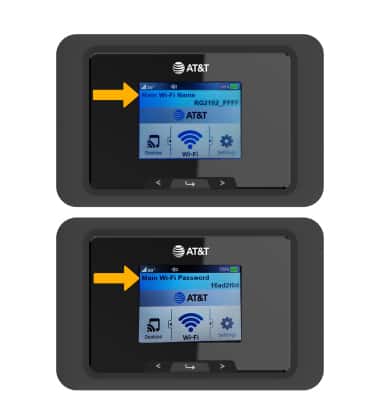
2. The Wi-Fi Network Name and Password will cycle through on the device home screen.
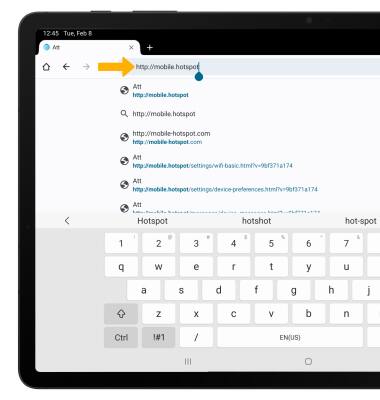
3. From your connected device's web browser, go to http://mobile.hotspot.
Note: Ensure that your device is connected to the device's Wi-Fi network. For more information, please see the Connect Devices to Wi-Fi or Connect PC or Mac to Wi-Fi tutorials.
4. View connected devices on the left side of the page.
Note: Click on the desired connected device to view additional information.
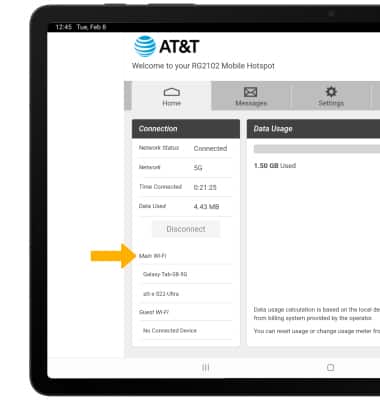
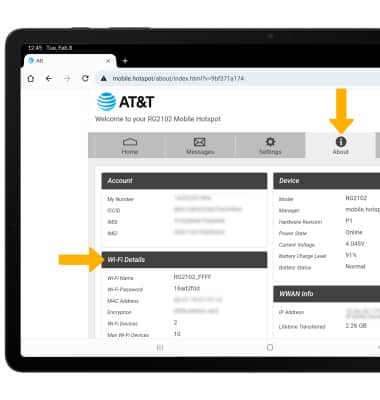
5. Click About to view Wi-Fi network information.
Note: You may need to enter the Mobile Hotspot password*, if you haven’t logged into the Web admin page before, the default password will be ‘admin’. You may be prompted to change the admin password.*