Power Device On or Off
Turn your device on and off.
In this tutorial, you will learn how to:
• Turn the device on • Power off or restart your device • Wake up the device
Turn the device on
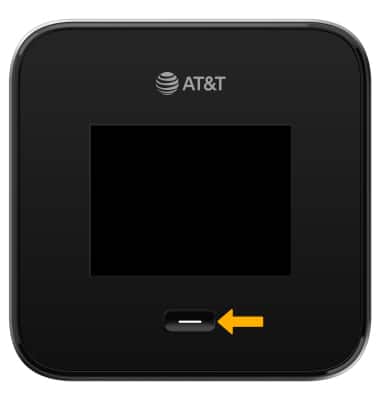
Press and hold the Power/Home button located in front of the device.
Power off or restart your device
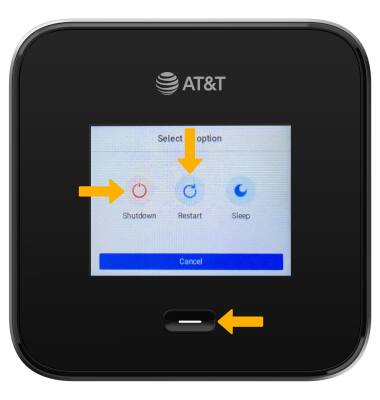
Press and hold the Power/Home button for 5 seconds. Select the Shut down or Restart icon.
Wake up the device
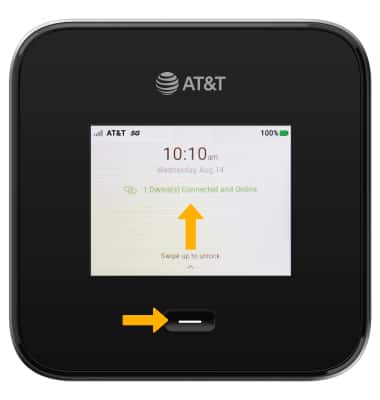
To wake up your mobile hotspot, press and hold the Power/Home button then swipe up to unlock.