Management Website
In order to properly access and use the AT&T Cell Booster mobile app, you will first need to download and install the AT&T Cell Booster app, and Activate & Register your AT&T Cell Booster.
In this tutorial, you will learn how to:
• Add another Cell Booster
• Edit device name
• View additional settings
Add another Cell Booster
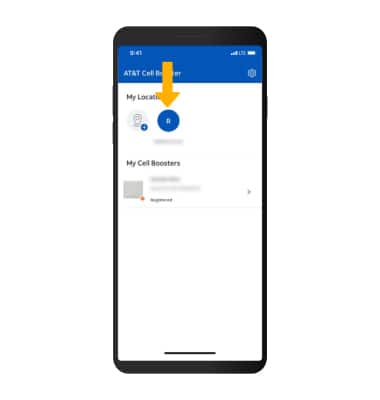
1. From the Home screen, select the desired location.
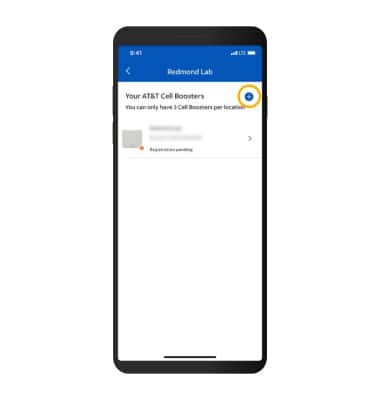
2. Select the Add icon.
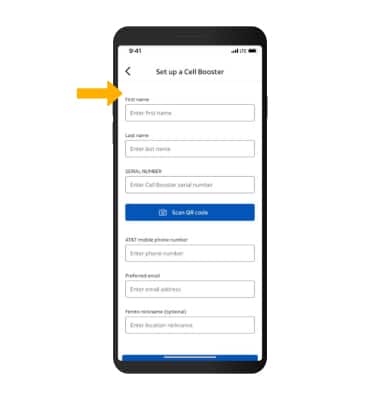
3. Follow the prompts to set up the additional Cell Booster.Note: To learn more, see the Activate & Register tutorial.
Edit device name
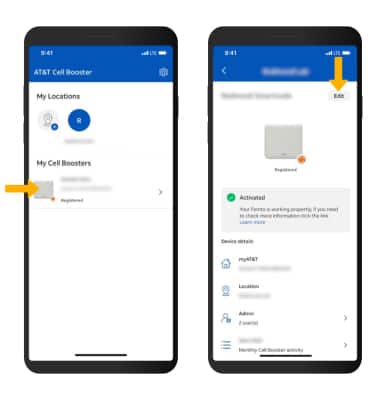
1. From the Home screen, select the desired Cell Booster then select Edit.
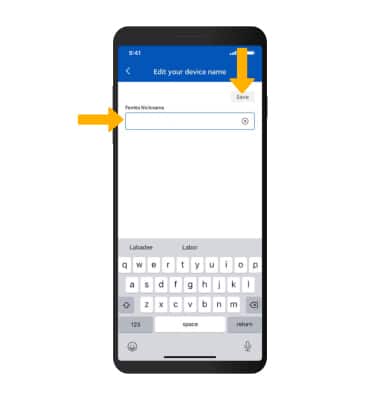
2. Edit the device name as desired, then select Save.
View additional settings
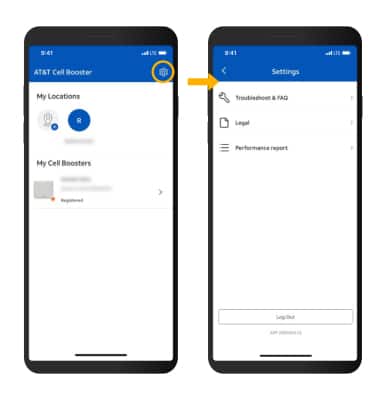
1. From the Home screen, select the Settings icon. Additional settings will be displayed.