Connected devices
Learn how to view connected devices.
-
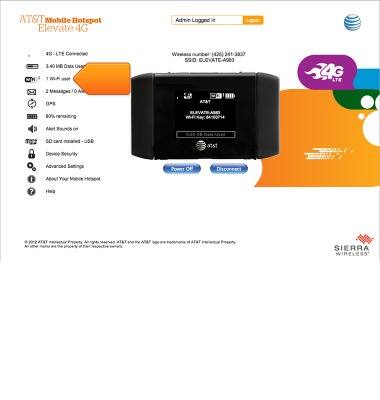
From the Elevate Manager, click the Wi-Fi icon.
-
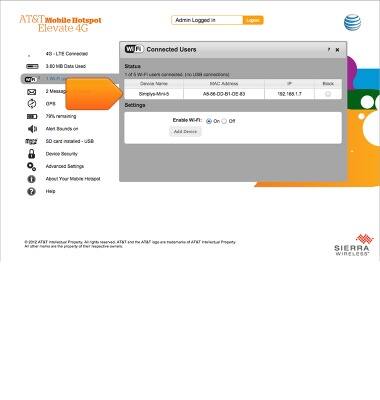
The connected devices and details will be displayed.
-
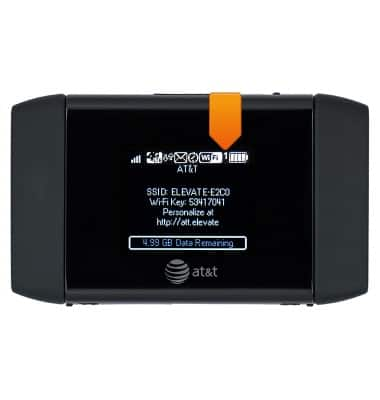
The number of currently connected devices will display in the upper right hand corner of the Wi-Fi in the Notification bar.