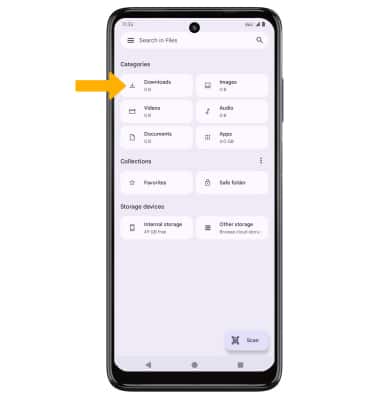
Access Downloaded Files
Learn how to access files downloaded from a web browser, email, and messages.
- From the home screen, swipe up to access the Apps tray, then select the
 File****s app (it may be in the Google folder).
 - Select Downloads. Downloaded files will be displayed.