Connect Using Ethernet
How to connect your device to the internet via Ethernet.
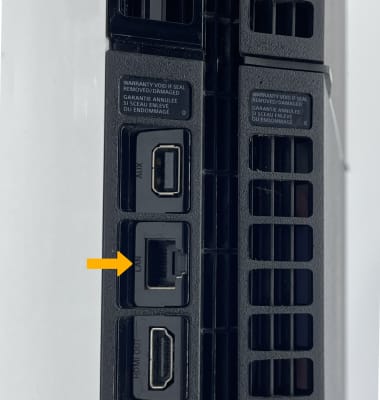
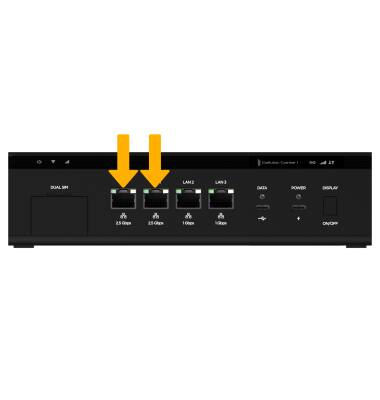
1. To connect to the Inseego Wavemaker FX4200’s network using Ethernet, simply plug an ethernet cable into one of the ports labeled WLAN/LAN.
2. Plug the other end of the ethernet cable into the ethernet port on the desired device.