Gemini
Learn how Google Assistant allows you to control your device and access voice control settings using voice commands.
In this tutorial, you will learn how to:
• Access and use Google Gemini
• Perform seamless actions across apps
• Brainstorm ideas
• Write notes
• Create lists
• Access Google Gemini settings
Access and use Google Gemini
1. From the home screen, swipe up to access the apps tray then select the  Gemini app.
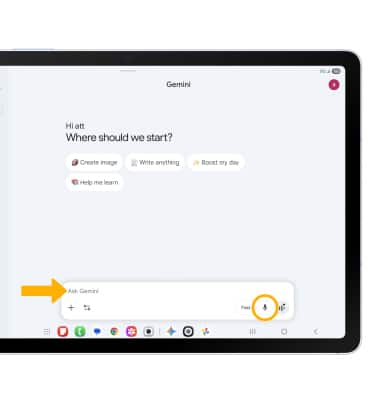
2. Enter the desired action or search term(s) or select the Microphone icon to speak them instead.
Perform seamless actions across apps
Gemini allows you to free up more time to do the things you love by handling multiple tasks with one simple command. From the Gemini screen, say the desired command such as search for a nearby restaurant and text it to a friend or search for your favorite sports team's schedule and add it to your calendar. For this example Gemini was asked to search for a pet-friendly vegan restaurant and text it to a friend.
Note: You must enable Gemini app activity to access this feature. To enable Gemini app activity, navigate to and select the Gemini app > select the Account icon > Gemini Apps Activity > Turn on > select Turn on again to confirm. 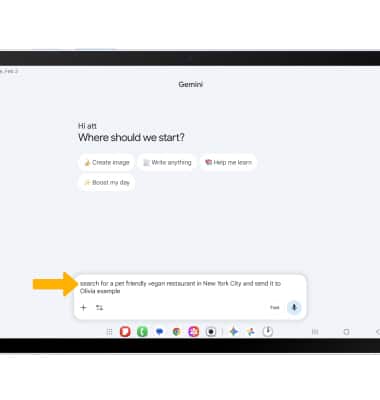
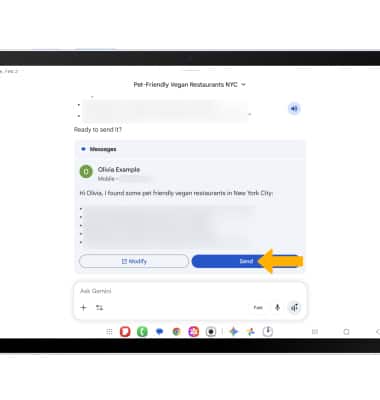
Review the prompt, then scroll to and select Send to send the message.
Brainstorm ideas
Say the desired idea you wish to have Google Gemini help you brainstorm. 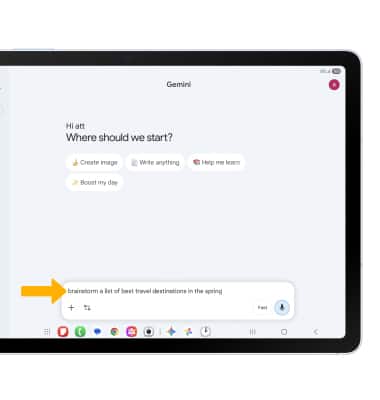
A list will be displayed.
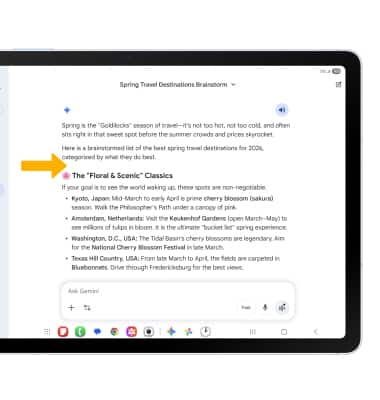
Write notes
Say the desired note you wish to have Google Gemini help you write.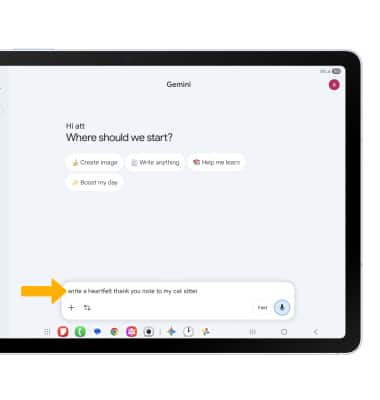
A note will be displayed.
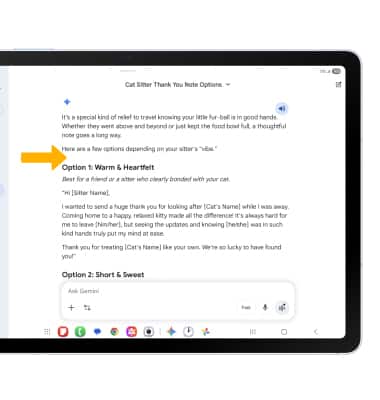
Create lists
From the Gemini screen, say the desired search term(s) to create a list.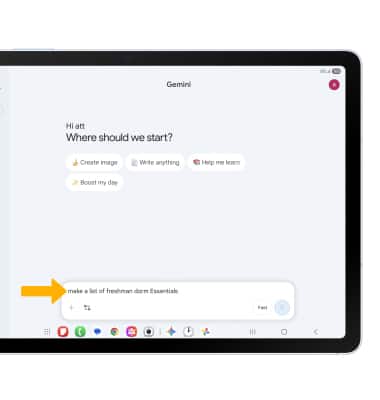
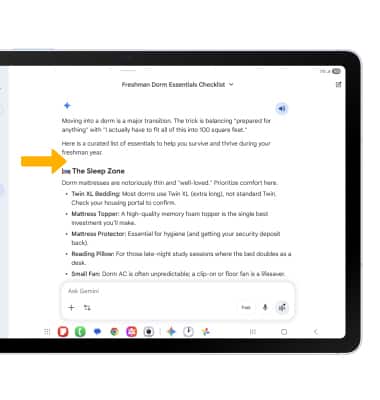
A list will be displayed.
Access Google Gemini settings
1. From the Gemini app, select the Account icon, then scroll to and select Settings.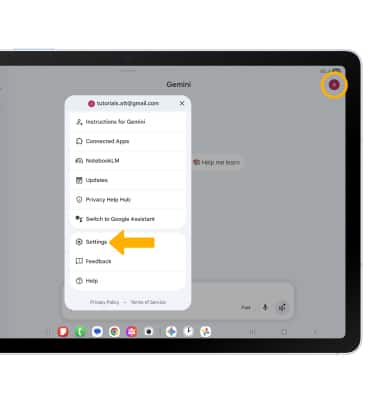
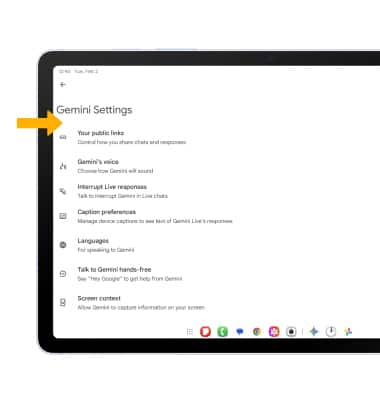
2. Edit Gemini settings as desired.