USB Tethering
USB Tethering
USB tether your device with your computer when there is too much Wi-Fi interference to connect wirelessly.
INSTRUCTIONS & INFO
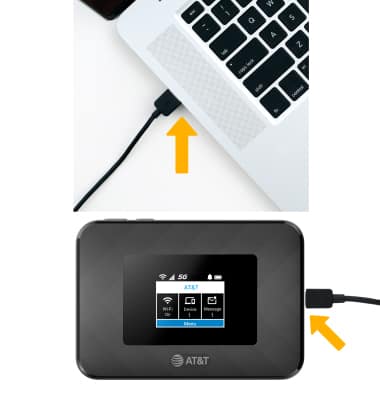
Insert the USB-C end of the USB-C cable into the USB-C port at the base of the device. Insert the other USB-C end of the USB-C cable in the USB port on the desired device.
Note: The device will automatically connect to the device's network. Depending on the make and model of your computer, you may receive a prompt to confirm the network connection.