Step Counter
Step Counter
Learn how to track your steps daily and view a history of steps tracked.
INSTRUCTIONS & INFO
In this tutorial, you will learn how to:
• View daily steps
• View step count history
View daily steps
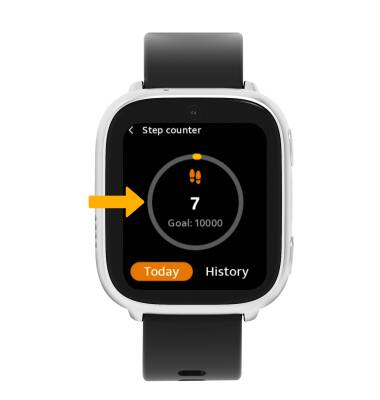
1. From the Clock screen, swipe left four times then select the  Step counter app.
2. Daily steps will be displayed.
View step count history
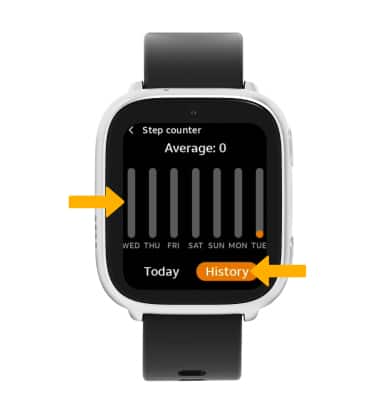
From the Step counter app, select History. Your step history and daily average will be displayed.