Power Device On or Off
Power Device On or Off
Turn your device on and off.
INSTRUCTIONS & INFO
In this tutorial, you will learn how to:
• Turn the device on
• Power off your device
Turn the device on
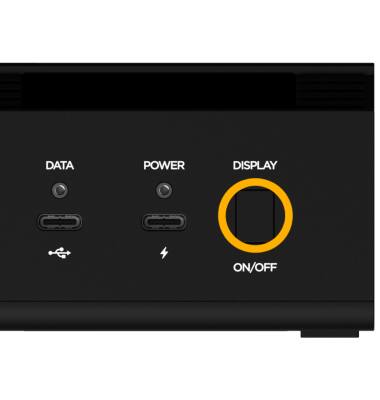
Long press the Display button located on front of the device.
Power off your device
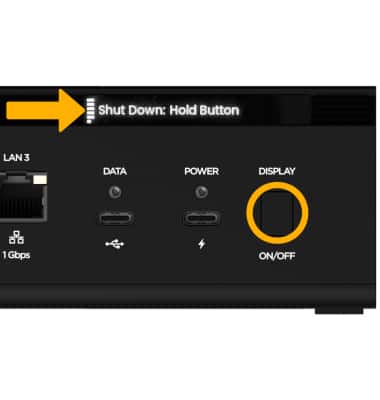
Short press the Display button until Shut Down: Hold Button is displayed. Long press the Display button.