Access, Store Photos & Videos
Access, Store Photos & Videos
Learn how to access and store your photos and videos.
INSTRUCTIONS & INFO
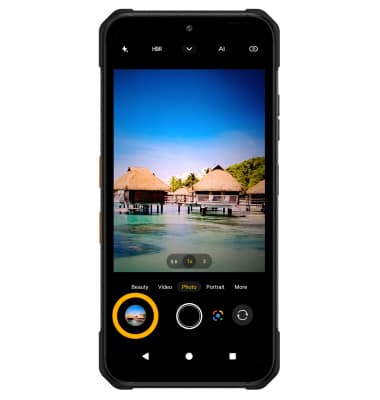
To access the Camera app, from the home screen, select the  Camera app. You can also press the Top Quick Action Key or select and hold the Camera app icon on the lock screen.
Access photos and videos
From the Camera app, select the Gallery icon.
Note: Alternately, from the home screen, select the  Photos app.