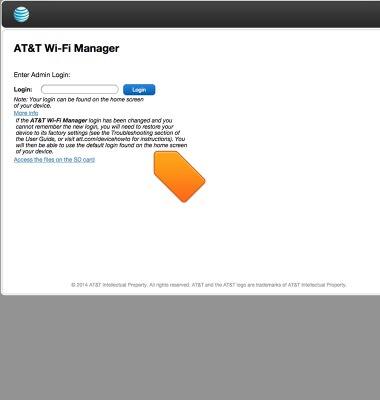
Forgot web manager log on
Forgot web manager log on
Recover a forgotten web manager log on.
INSTRUCTIONS & INFO
- If you forgot your web manager log on, go to More info.
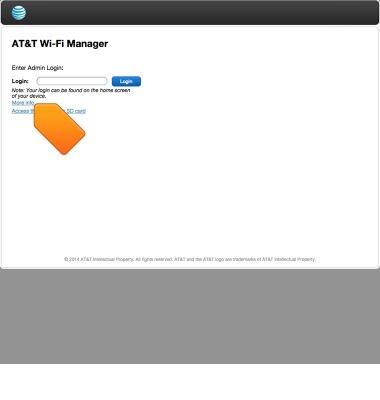
- If you change your login and cannot remember it, you will need to perform a device reset. To do this, open the RESET/SIM door and, using a ballpoint pen, press and hold the RESET button for 8 seconds to restore your device to Factory Default settings and delete all stored user information. You may then use the default login 'attadmin'