Connect Microsoft Windows Computer
Connect Microsoft Windows Computer
Learn to connect your Windows laptop or PC to the Home Base wireless network.
INSTRUCTIONS & INFO
- On your PC, click the Network Connections icon in the Start bar.
Note: Network Connections can additionally be access by clicking the Start menu and selecting the Control Panel.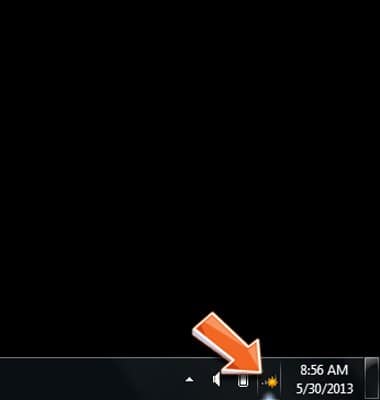
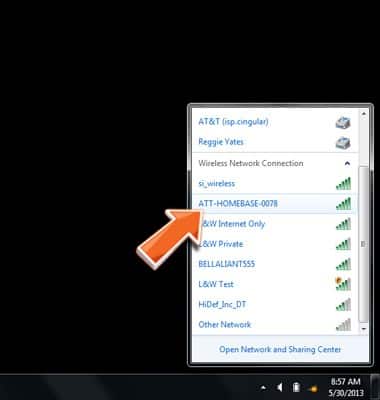
- Scroll to, then click the Home Base Wi-Fi network name (e.g. ATT-HOMEBASE-XXXX).
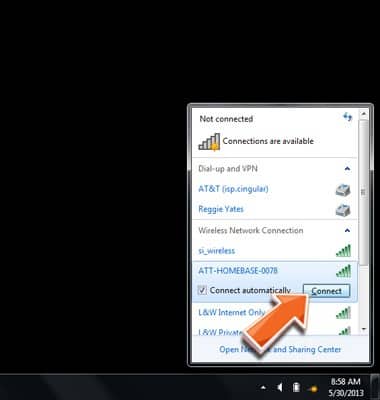
- Click Connect.
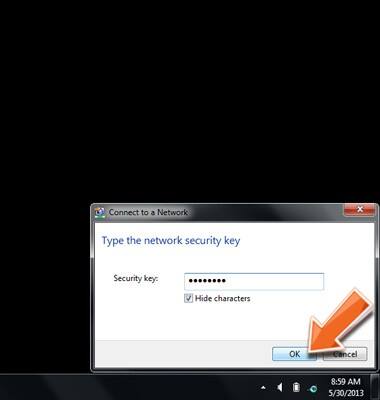
- Enter the Wi-Fi network password found on the bottom of your AT&T Home Base (or your customized Wi-Fi password if you changed it from the default).
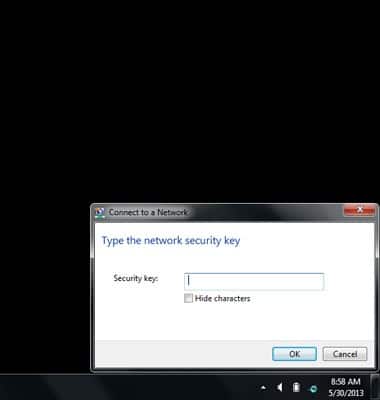
- Click OK.
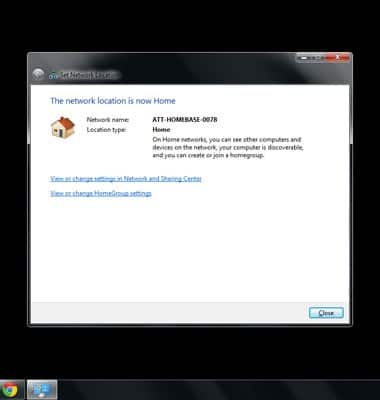
- Click the location setting for your Home Base Wi-Fi connection.
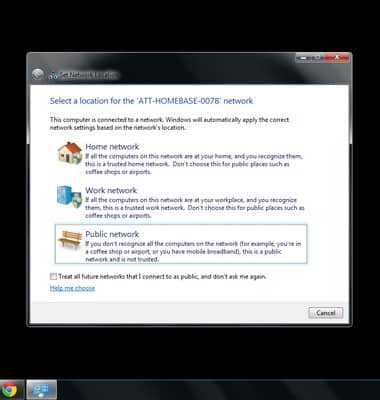
- Your computer is now connected to the AT&T Home Base network.